Features
Every tool your service business needs, working together
From the first phone call to the final payment, each step feeds the next — so nothing gets retyped, lost or forgotten.
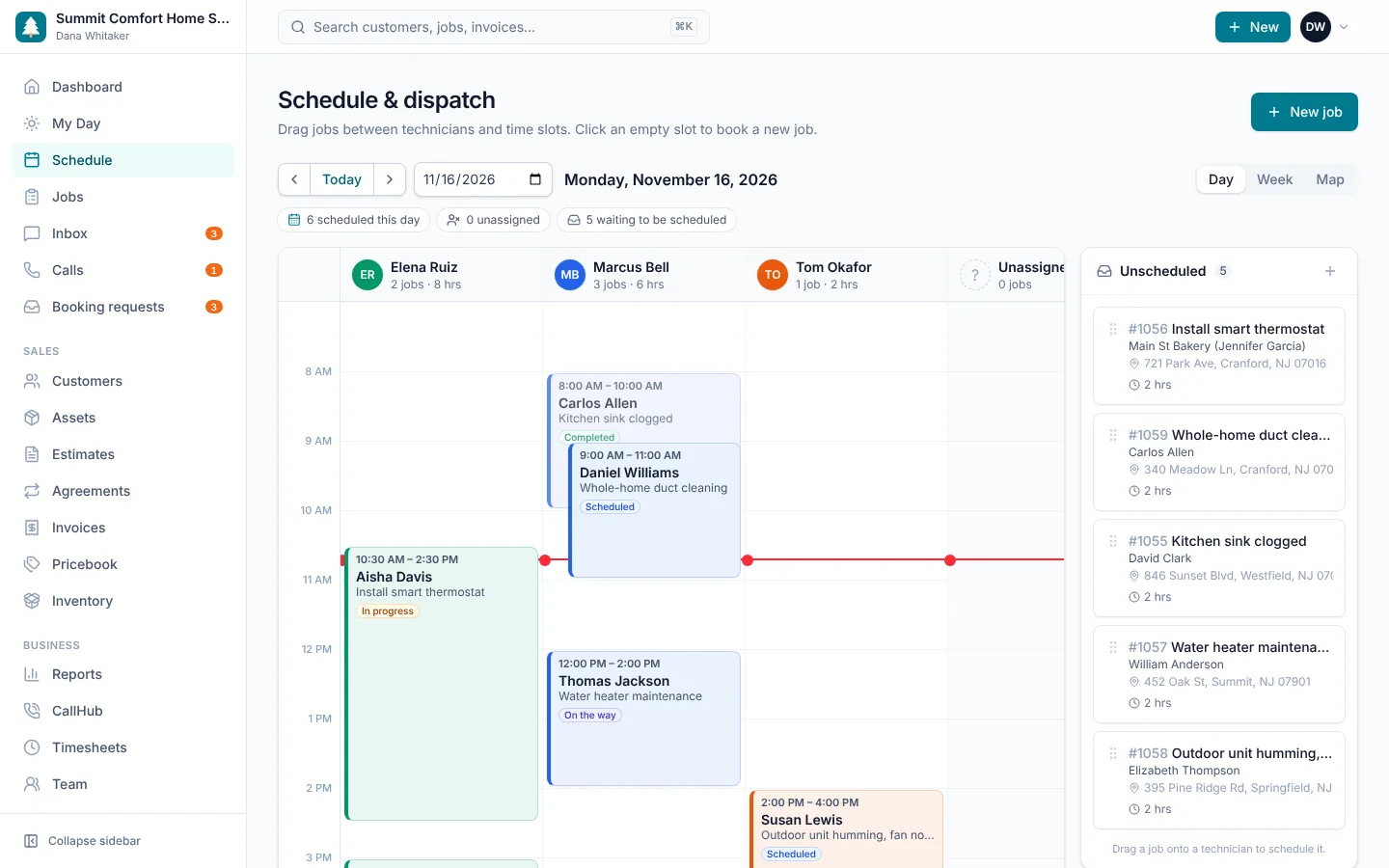
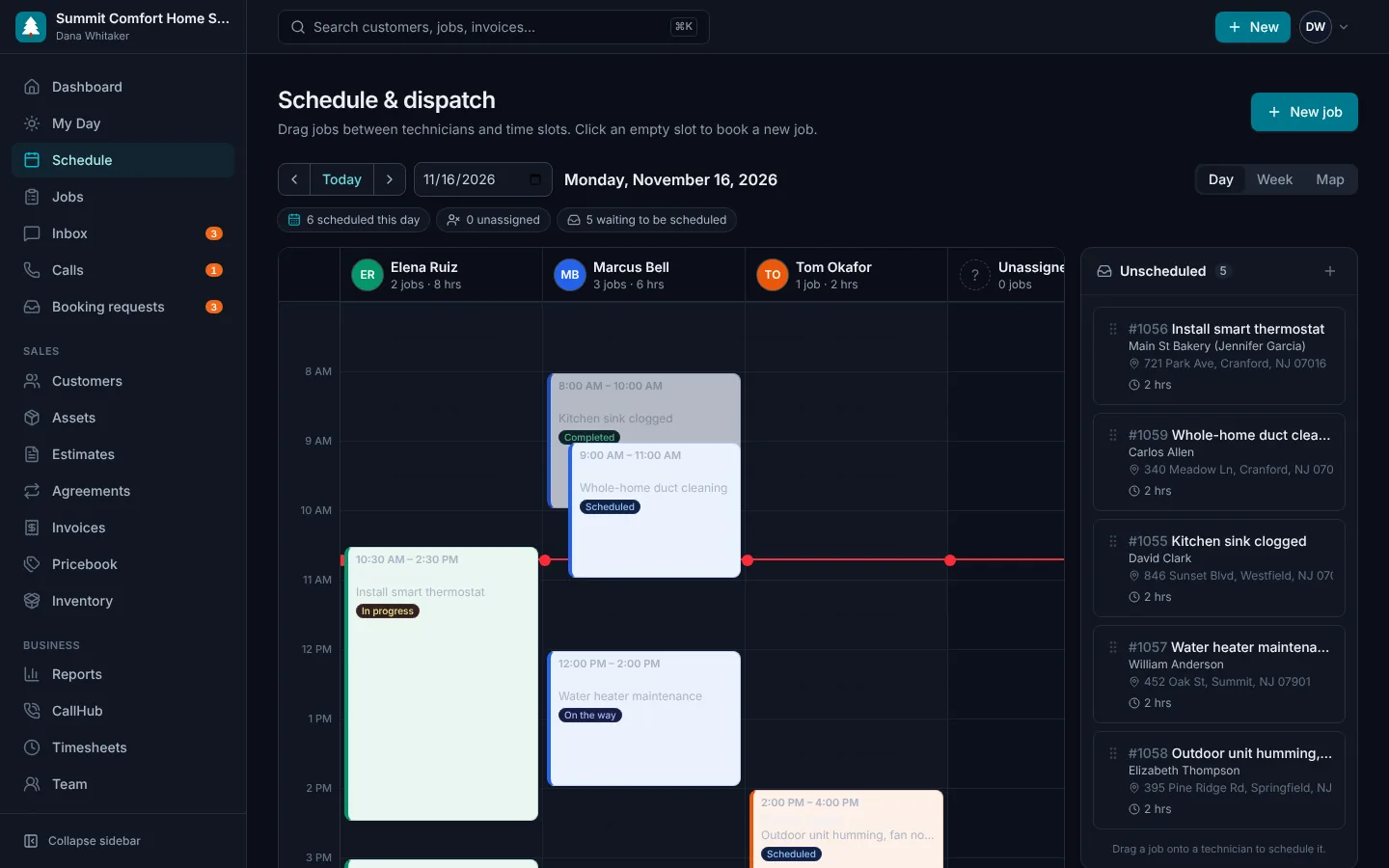
Scheduling & dispatch
A dispatch board built for how service companies actually work. See every technician side by side, drag unscheduled work into open slots, and reshuffle the day when an emergency call comes in.
- Day and week views by technician
- Map view with each technician's stops in order
- Drag-and-drop scheduling with an unscheduled-jobs queue
- Color-coded job status: scheduled, on the way, in progress, done
- Assign one or several techs to a job
- Priority flags for emergency calls
Estimates & proposals
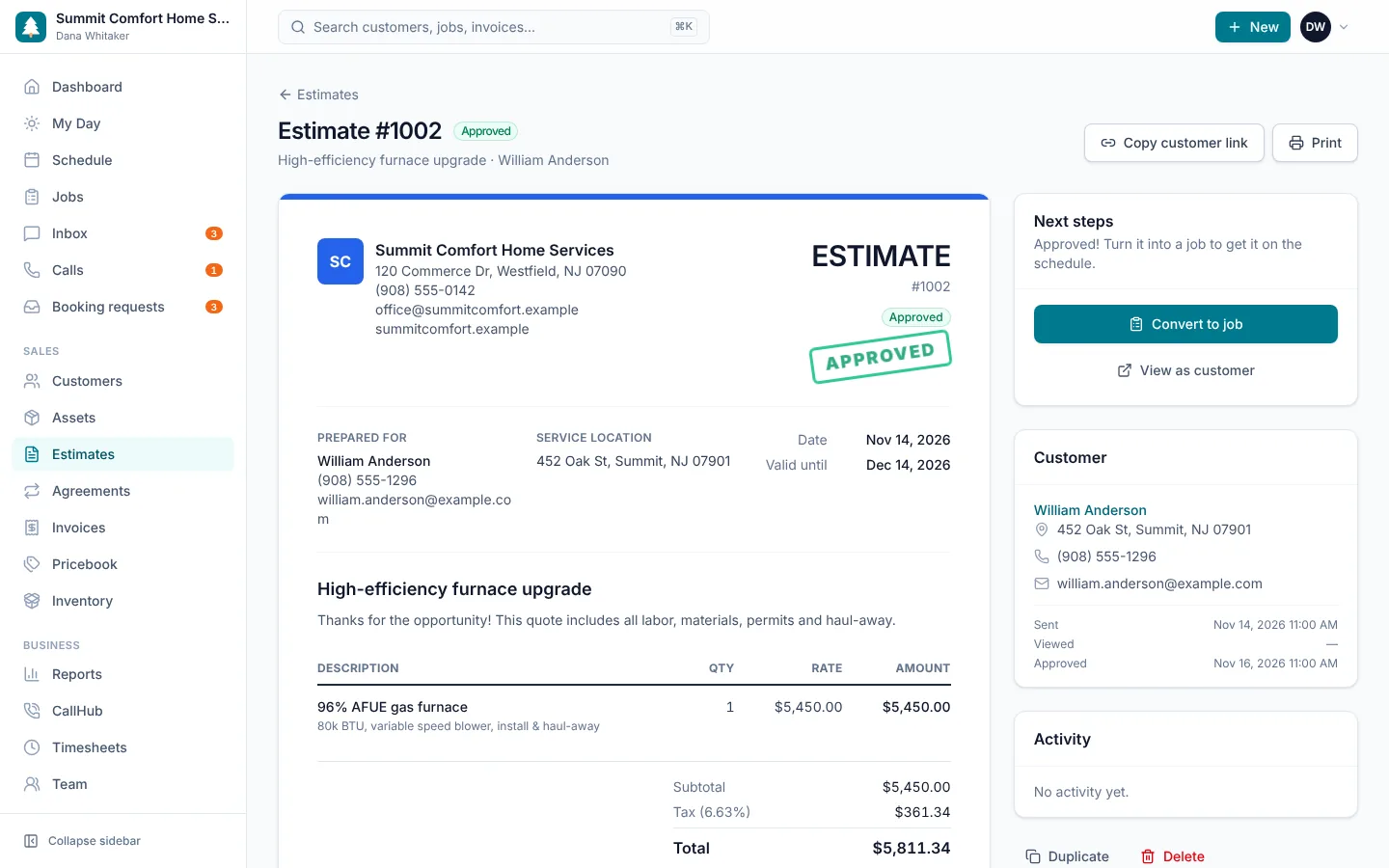
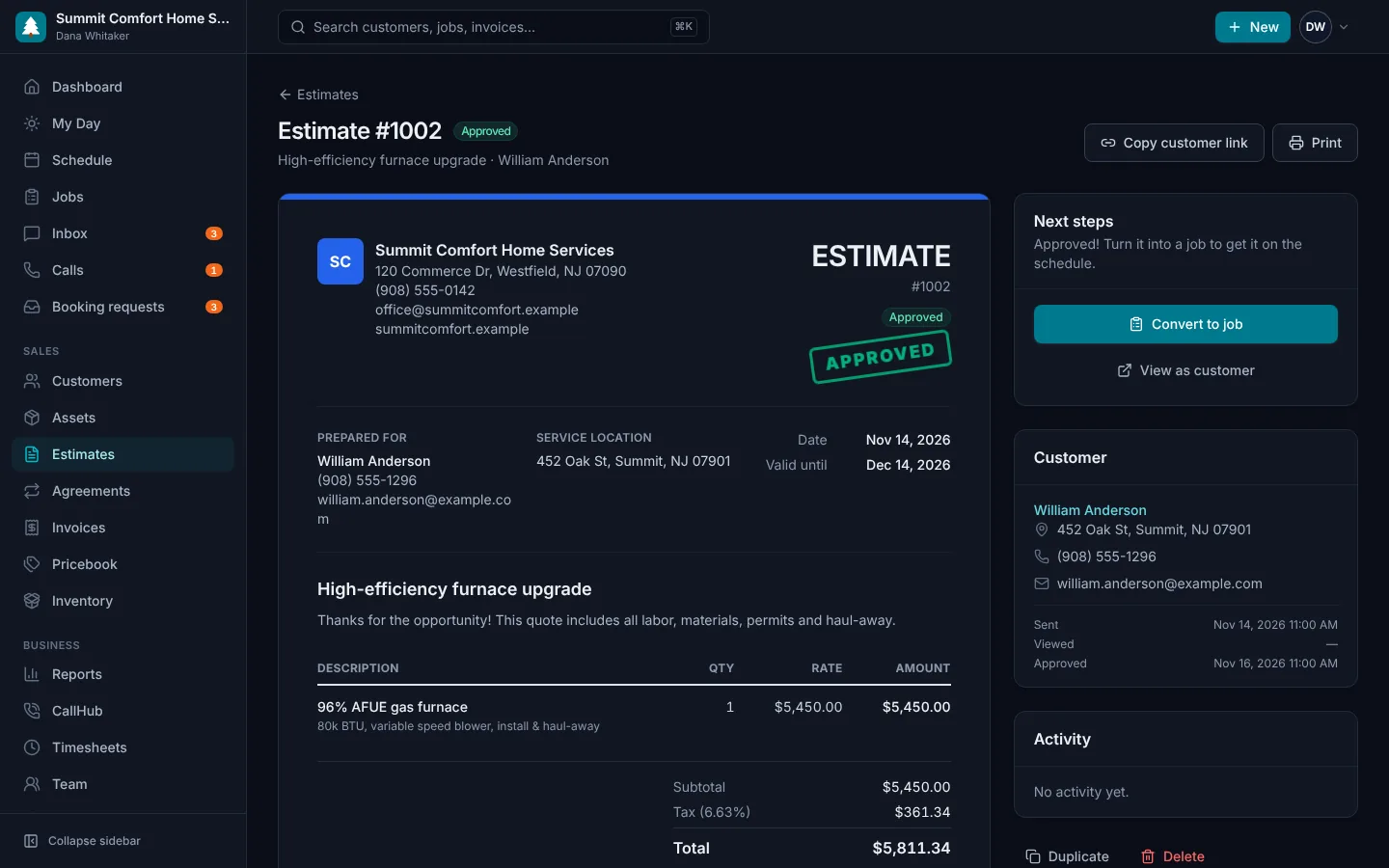
Turn a site visit into a signed approval before you leave the driveway. Pull services and parts from your pricebook, add a personal note, and send a link the customer can approve with an e-signature.
- Line items from your pricebook or custom entries
- Discounts, taxable and non-taxable lines
- Good / better / best options the customer chooses from
- Customer approves online with a typed signature
- Convert an approved estimate into a job with one click
- Track sent, viewed, approved and declined status
Invoicing & payments
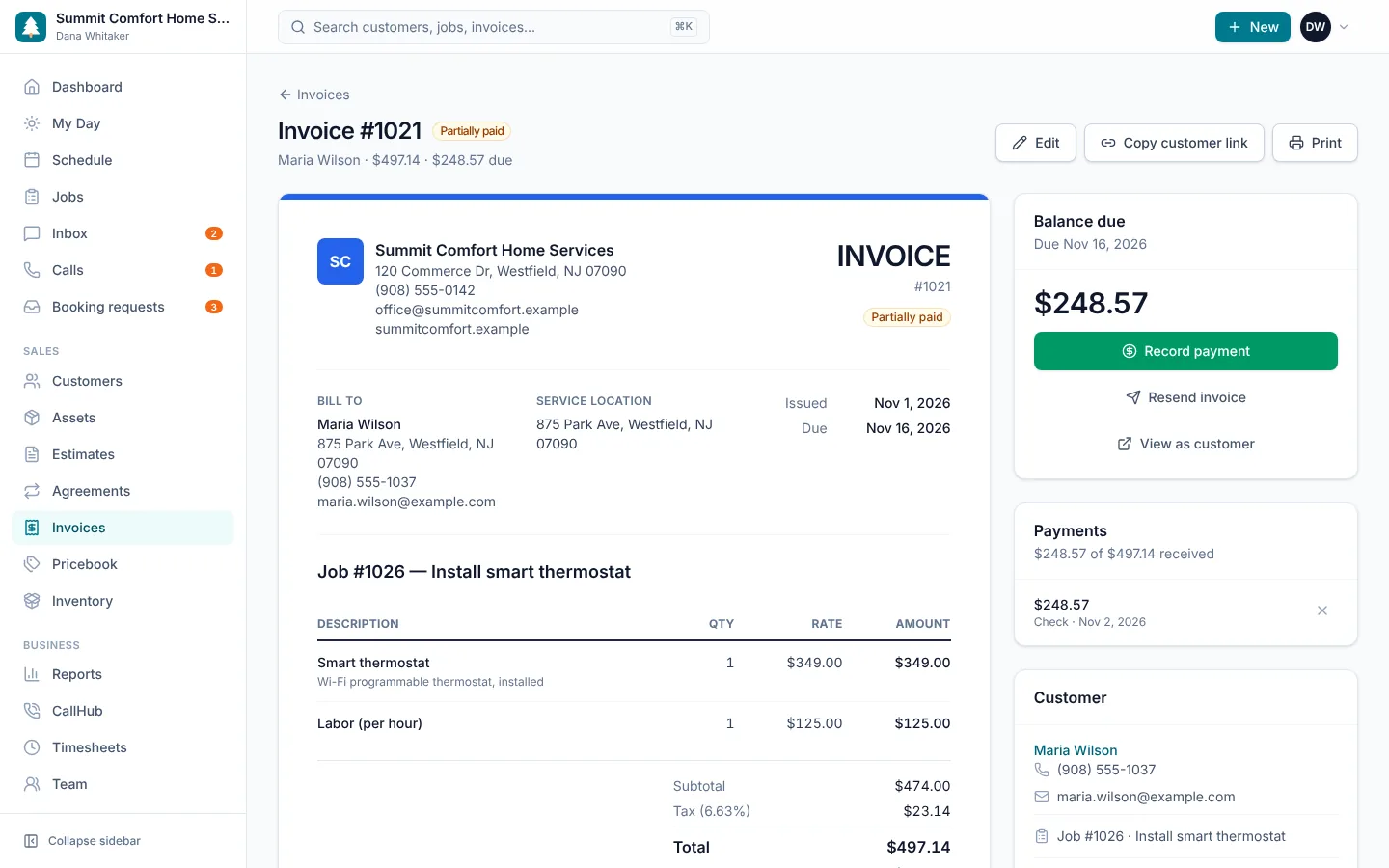
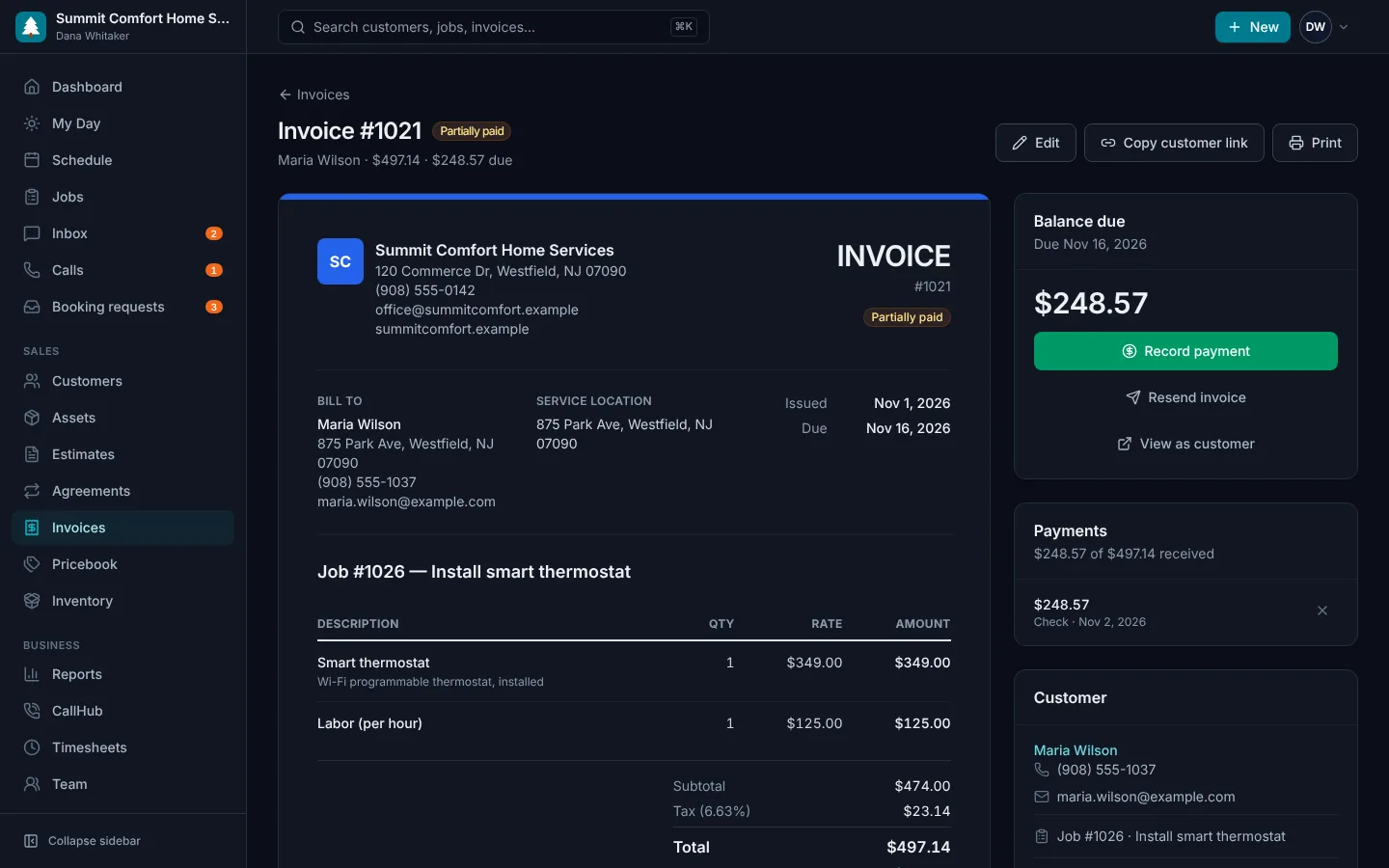
Create an invoice straight from a completed job with every line item carried over. Send a secure link, accept card or bank payments online, and record cash or check in the field.
- One-click invoices from completed jobs
- Online payments into your own Stripe account, from the invoice link or the portal
- Record cash, check and partial payments
- Automatic paid, partially paid and overdue tracking
- Automatic reminders when an invoice is past due
- Printable, branded invoices
Online booking
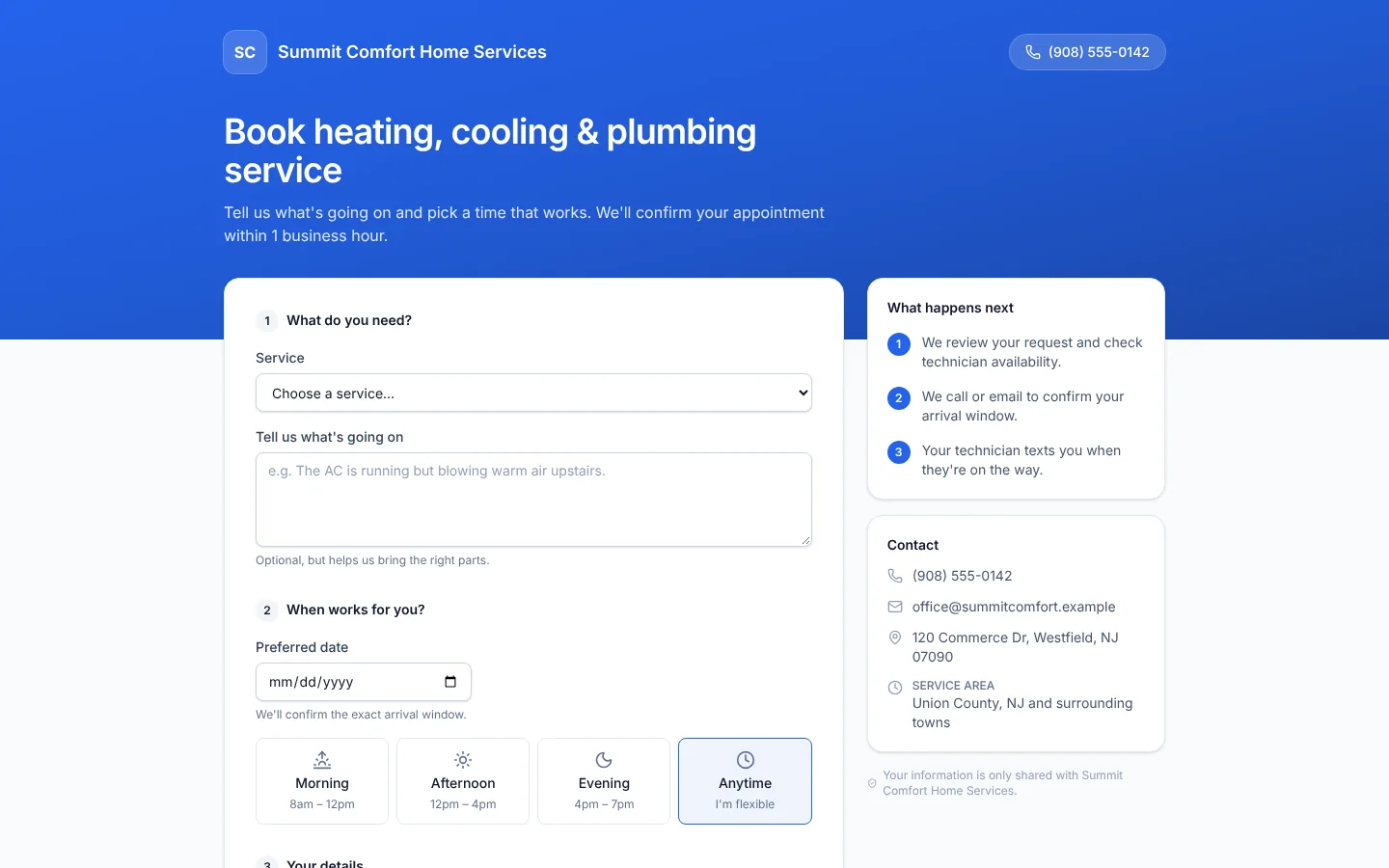
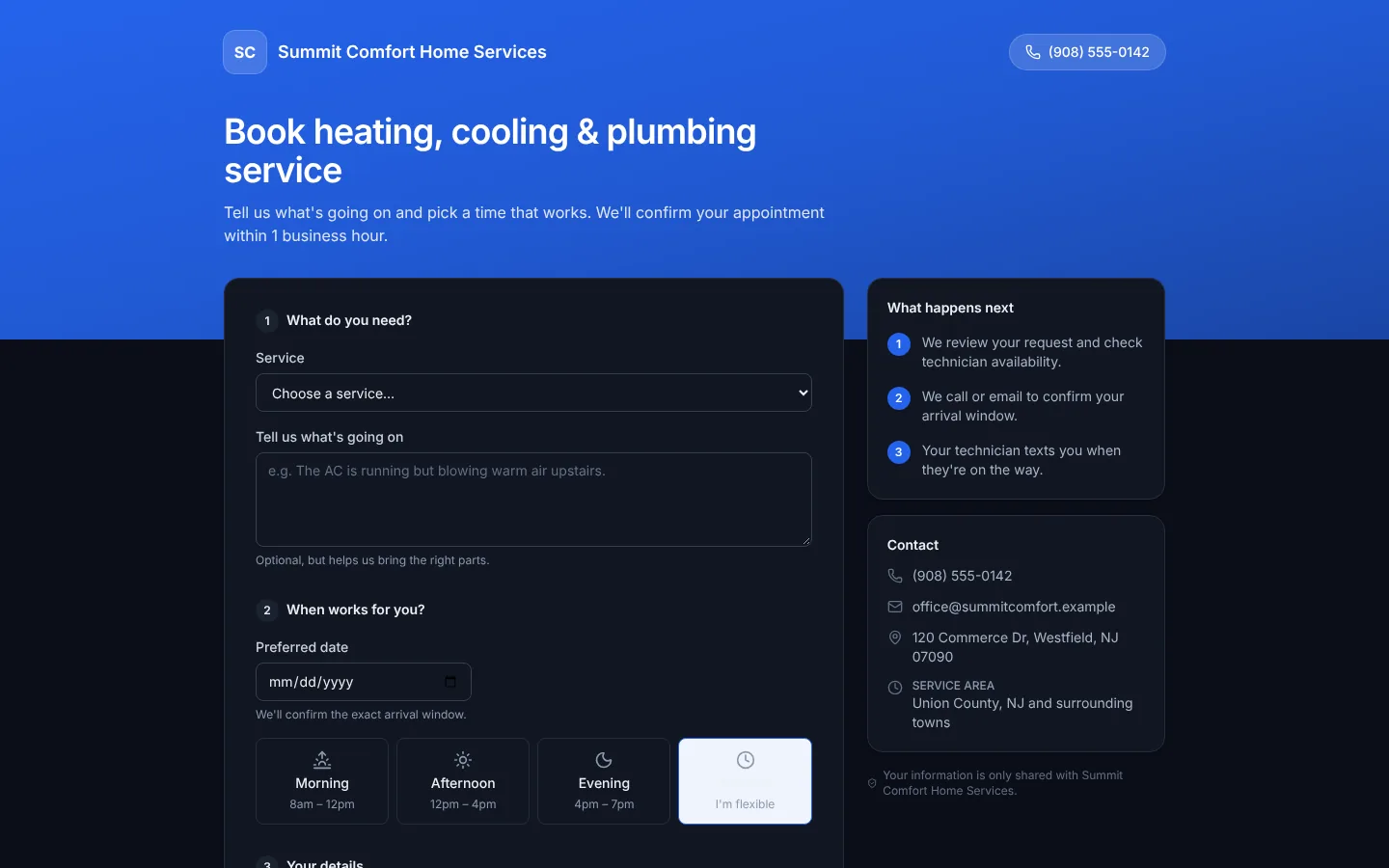
Give customers a branded booking page they can use at 10 p.m. on a Sunday. Requests land in your inbox with the address, problem description and preferred time, ready to convert into a scheduled job.
- Branded booking page with your own link
- Customers choose a service, date and time window
- New-request alerts for the office
- Convert a request into a customer and job in seconds
- Embed the link on your website, Google profile or social pages
Customer portal
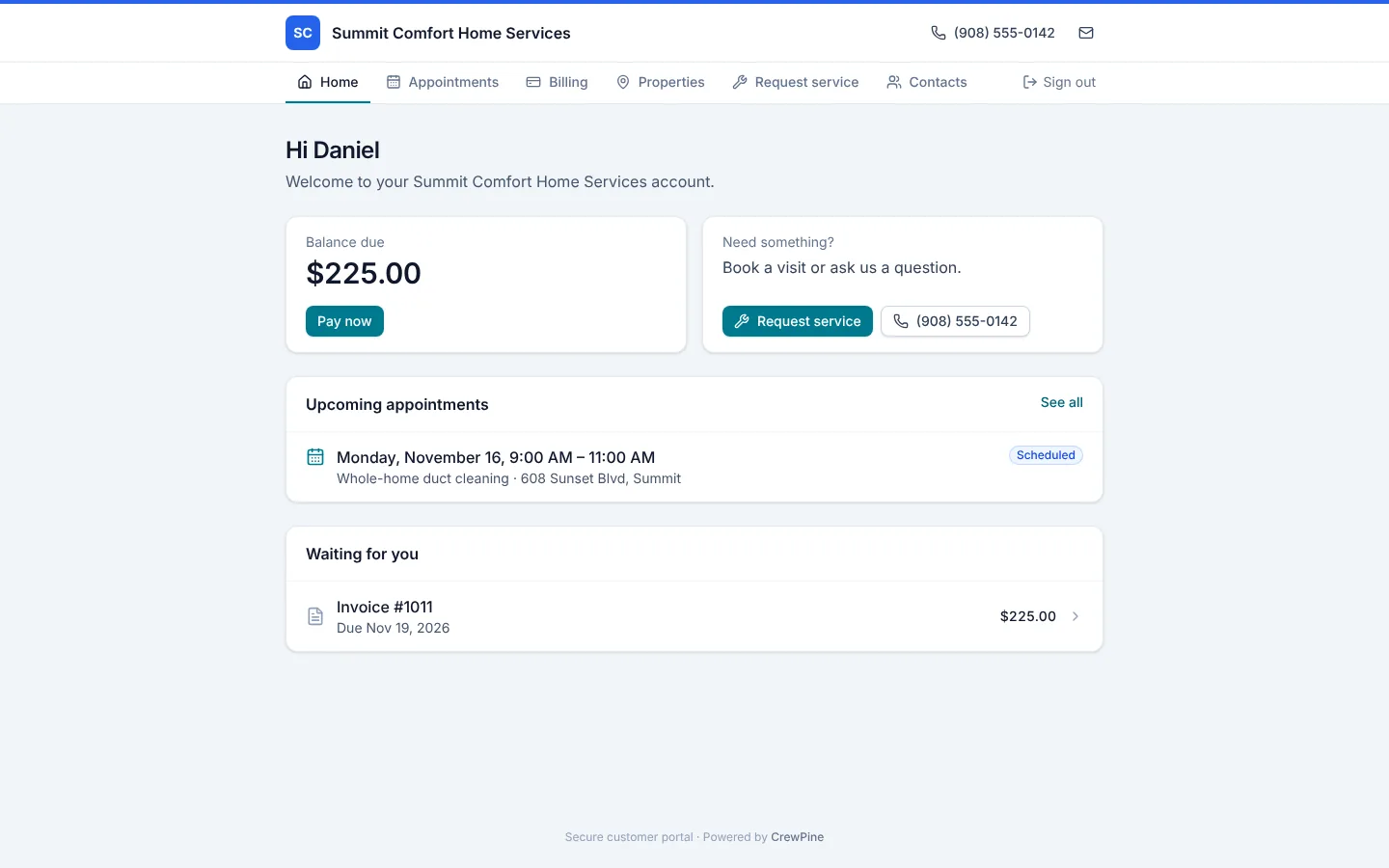
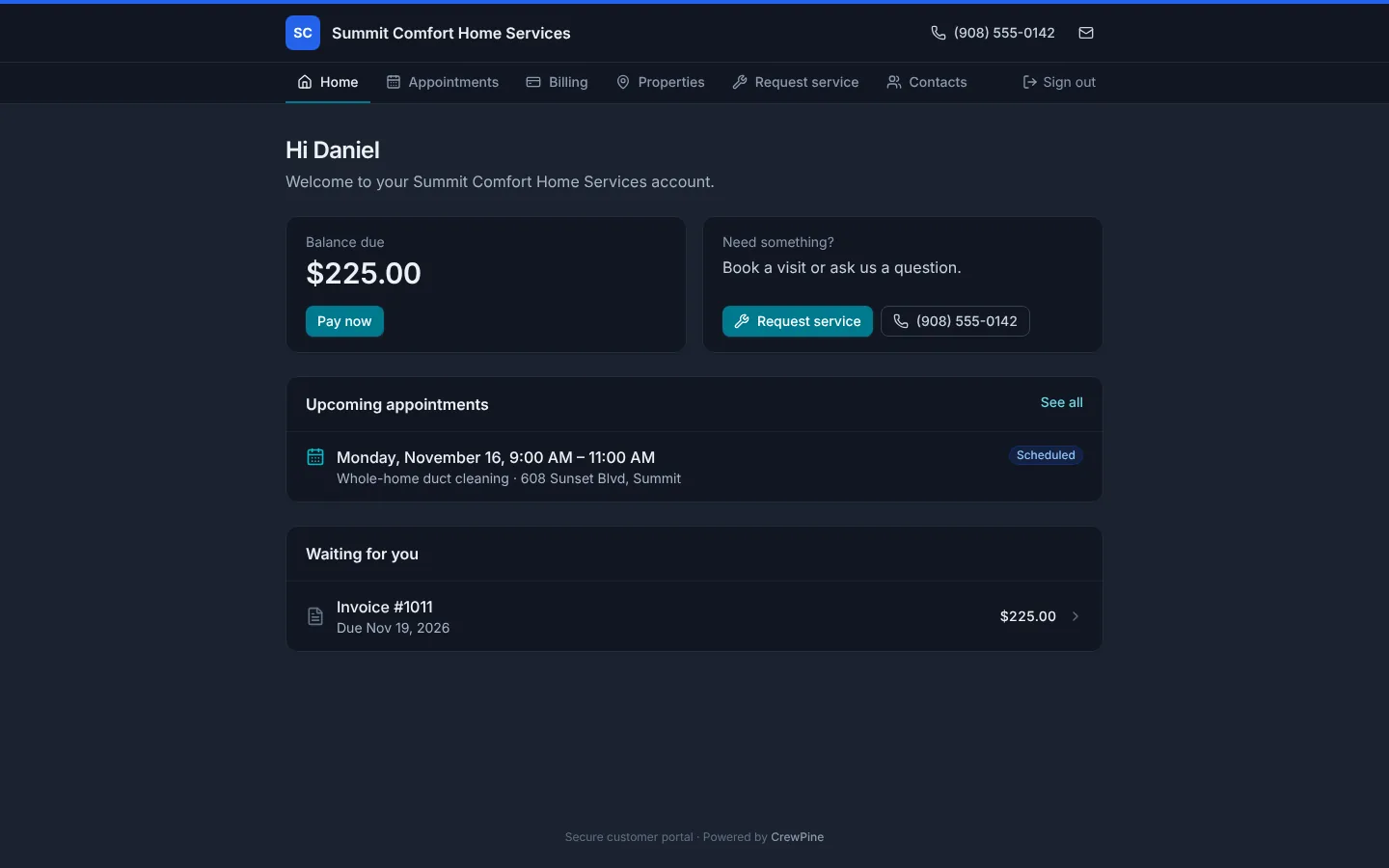
Each client gets an account with your name and colors: upcoming appointments, invoices to pay, estimates to approve, their properties, equipment and service plans, and a form to request service. They sign in with a one-time email link, so there's no password to forget. Every estimate and invoice also has its own secure link. Included in every plan.
- Upcoming visits and past service reports
- Pay invoices online and approve estimates with an e-signature
- Properties, equipment and service plans in one place
- Service requests land in your Booking requests
- Password-free sign-in with one-time email links
- Included in every plan, at no extra cost
Technician app
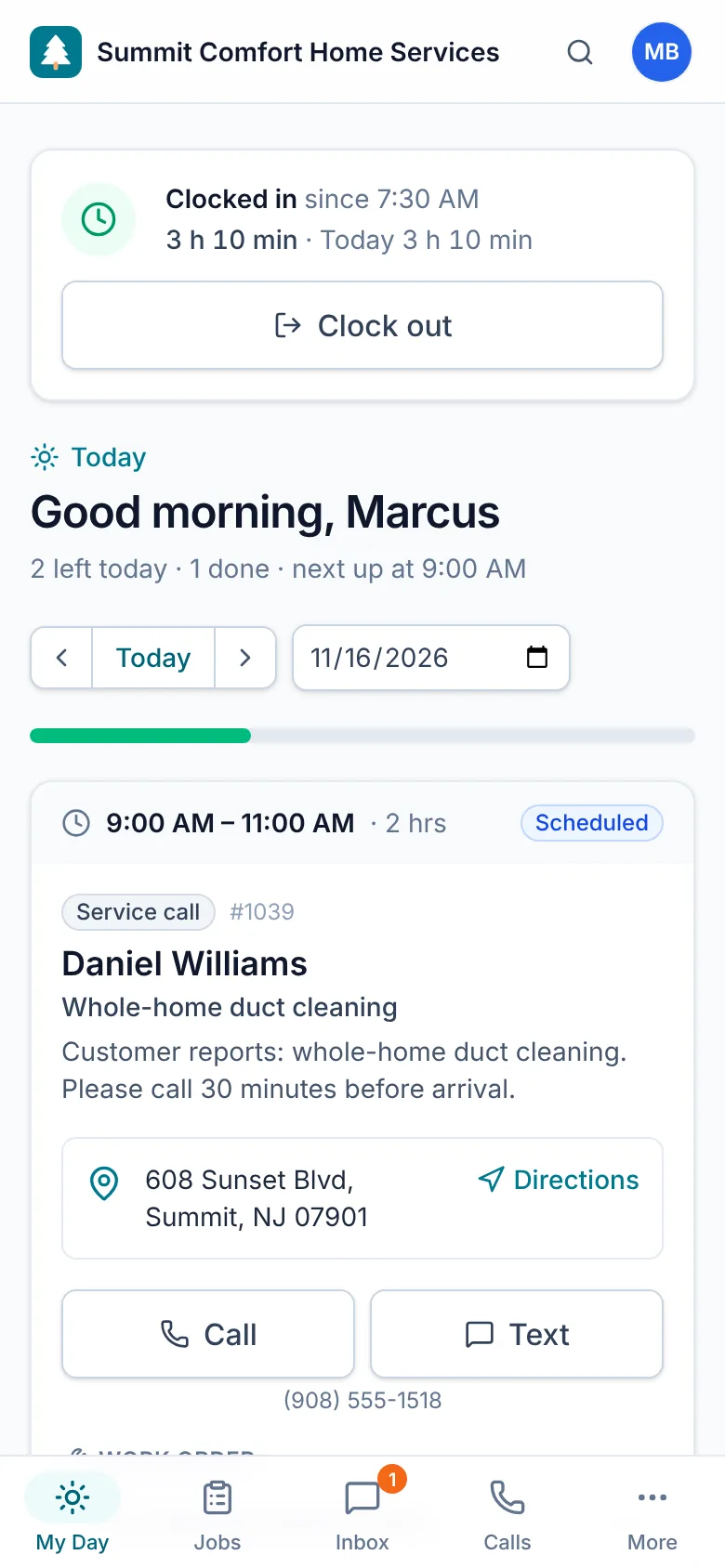
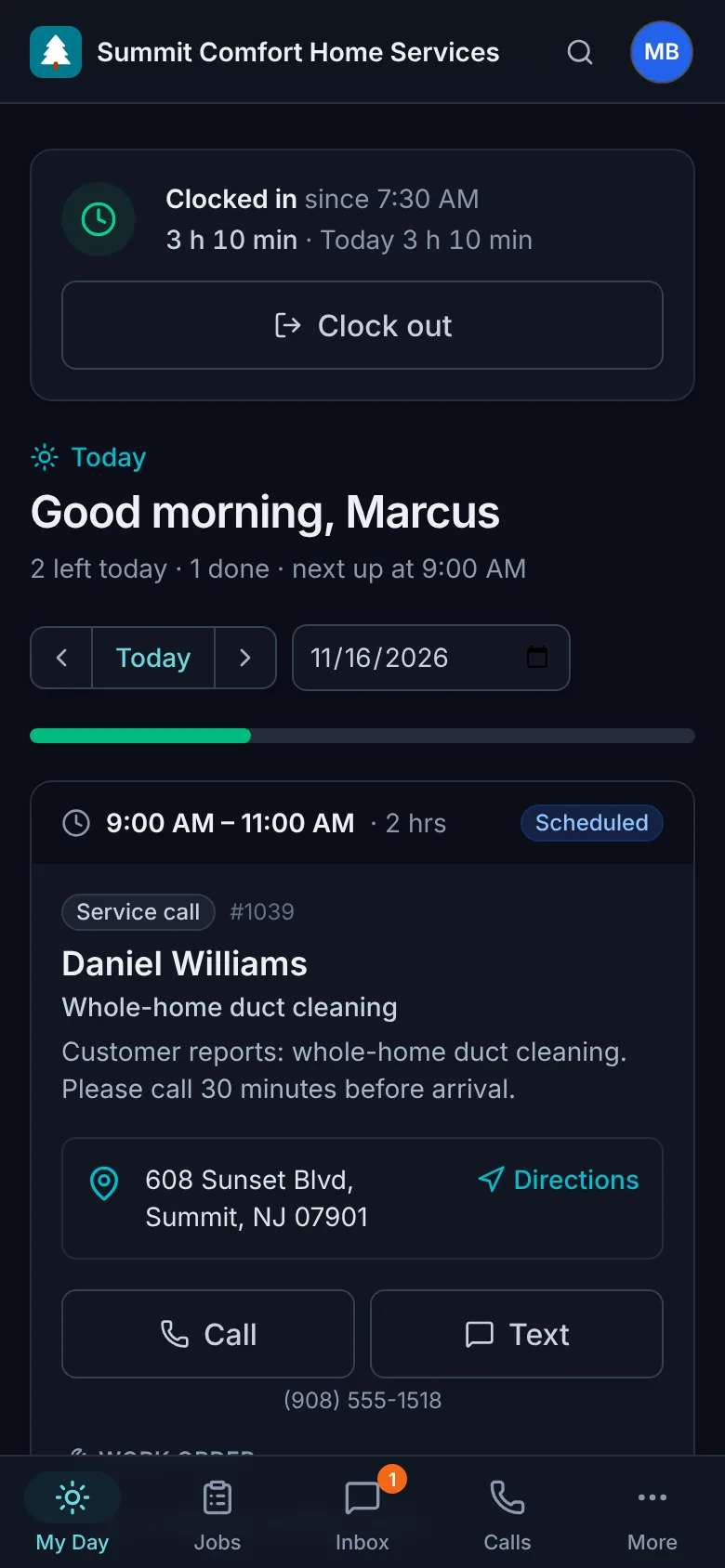
Techs open their day and see exactly where to go next. One tap to navigate, call the customer, send an on-my-way text, start the job and mark it complete with notes.
- Today's route with addresses and access notes
- Clock in and out, with time tracked on each job
- Their truck's parts, with what's running low
- On-my-way text messages to customers
- Start and complete jobs with completion notes
- Checklists, customer sign-off and payment on site
- Installs on the home screen like any other app
- Tap-to-call and tap-to-navigate
- See line items and job history on site
Calls & texting
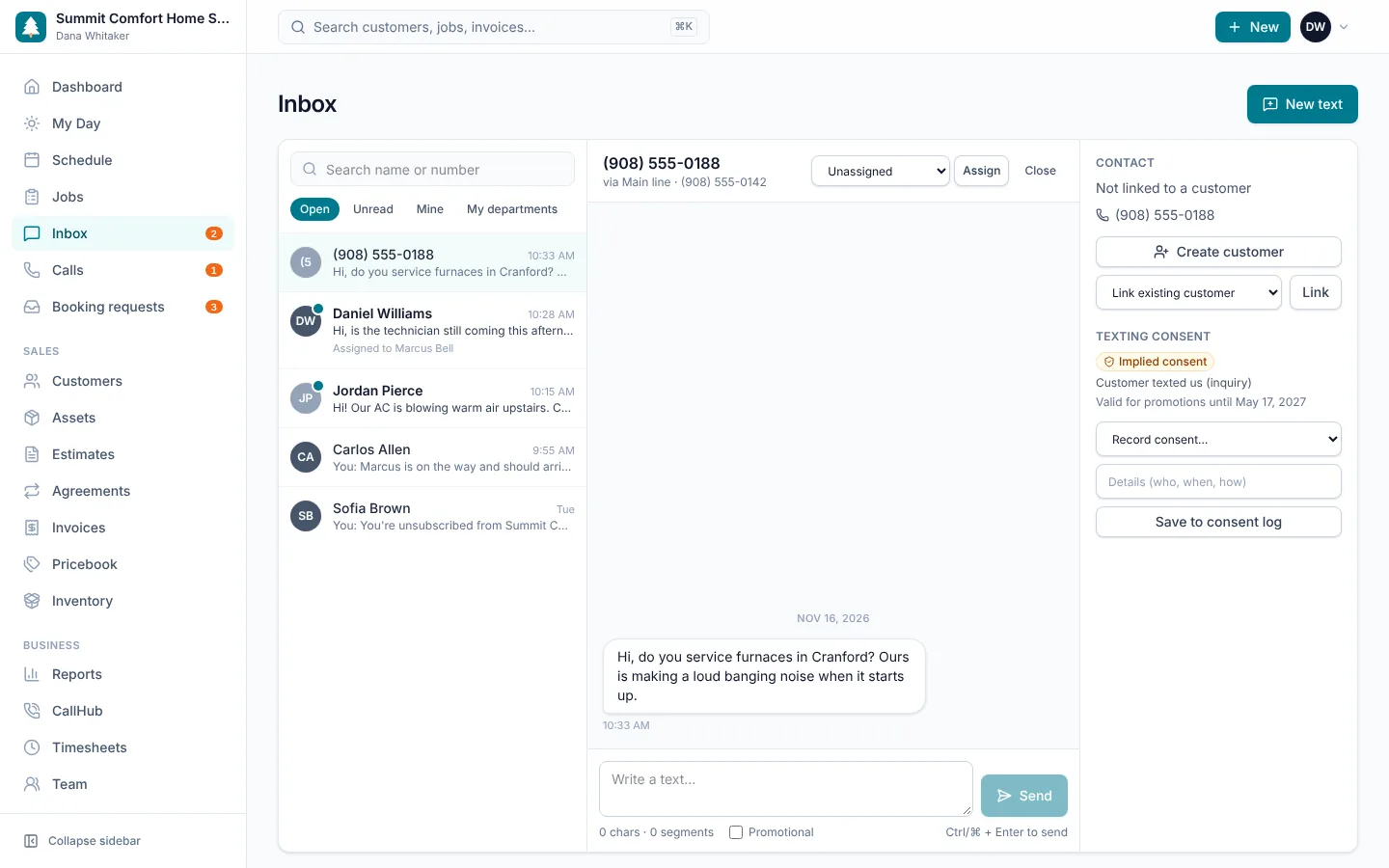
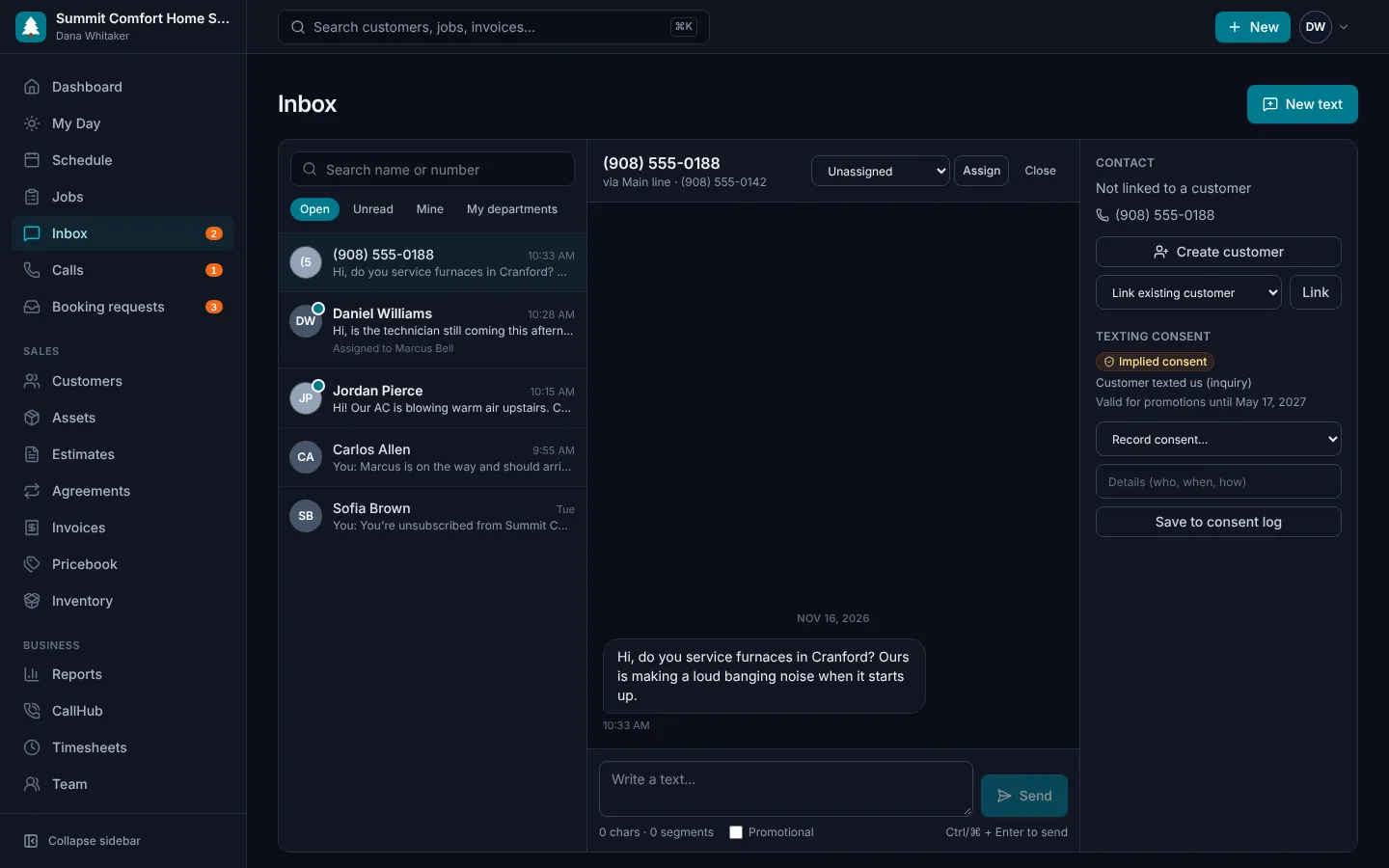
Answer the phone and reply to texts from the same place you run the work. Calls and messages land on the customer record, so anyone in the office can pick up where a teammate left off.
- Local and toll-free numbers in Canada and the US, or keep yours
- Shared text inbox with assignment and read status
- Browser softphone with transfers and a caller screen pop
- Call routing, business hours, queues and voicemail in English and French
- Consent tracking for CASL and US texting rules
Equipment & deficiencies
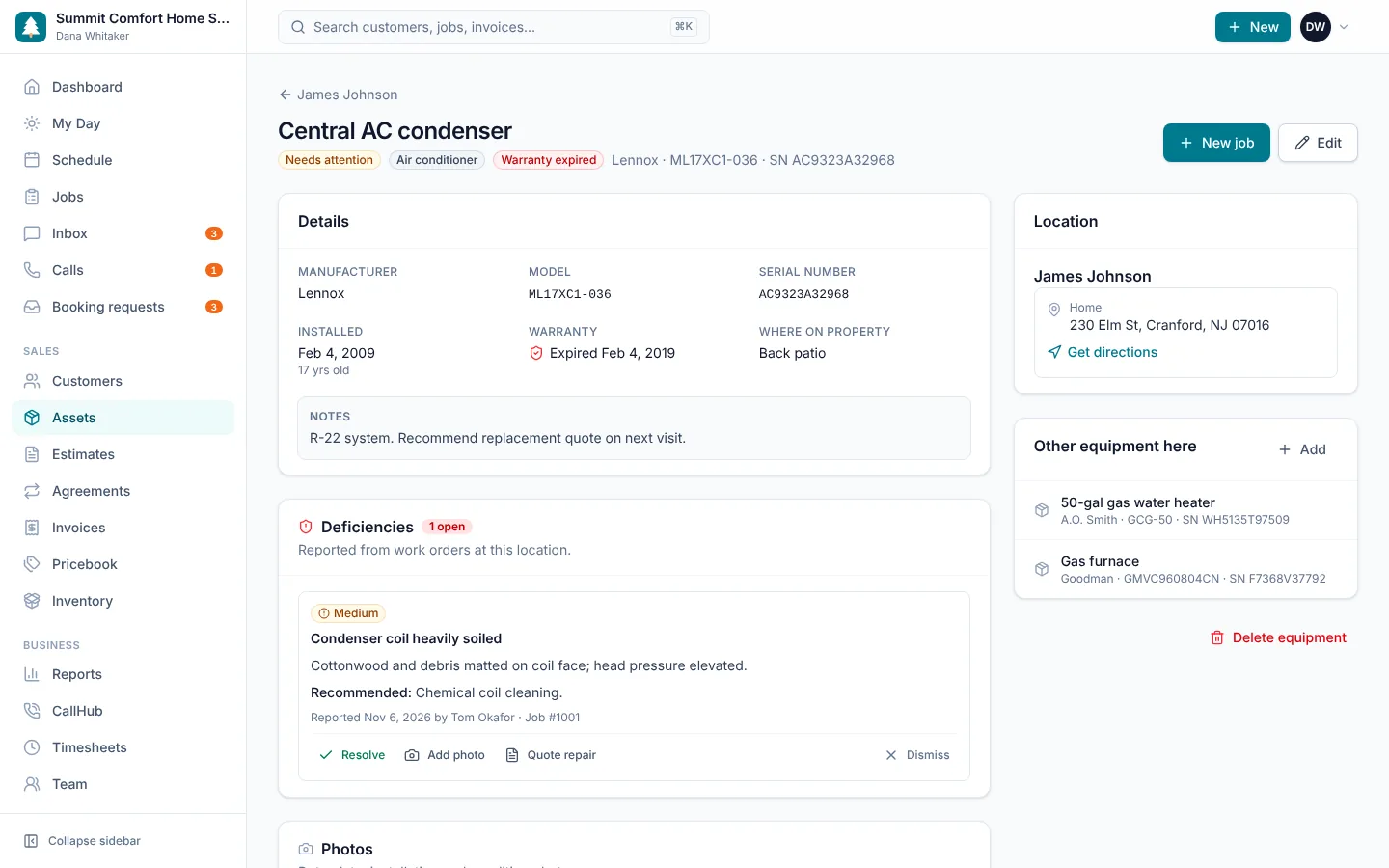
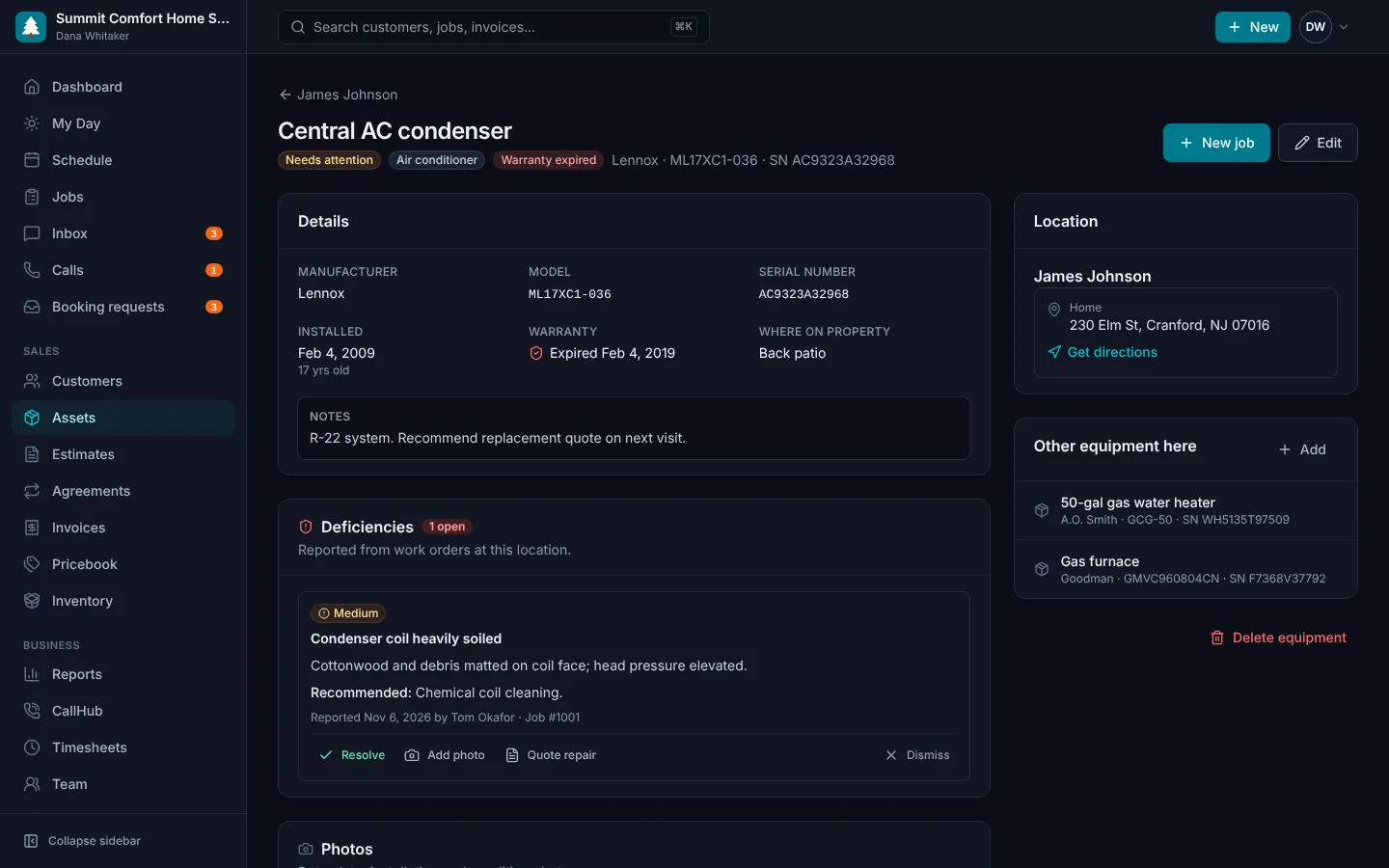
Know what is installed at every site before the truck rolls. Technicians record problems they find with photos and severity, and the office turns them into repair quotes in one click.
- Make, model, serial, install date and warranty
- Service history for every unit
- Deficiencies with severity, photos and recommended fix
- Open problems follow the location to every future visit
- Quote a repair straight from a deficiency
- Inspection forms with pass/fail checks and readings
- Service agreements that create recurring visits automatically
- A service report link for the customer: findings, results, photos and sign-off
Customer management
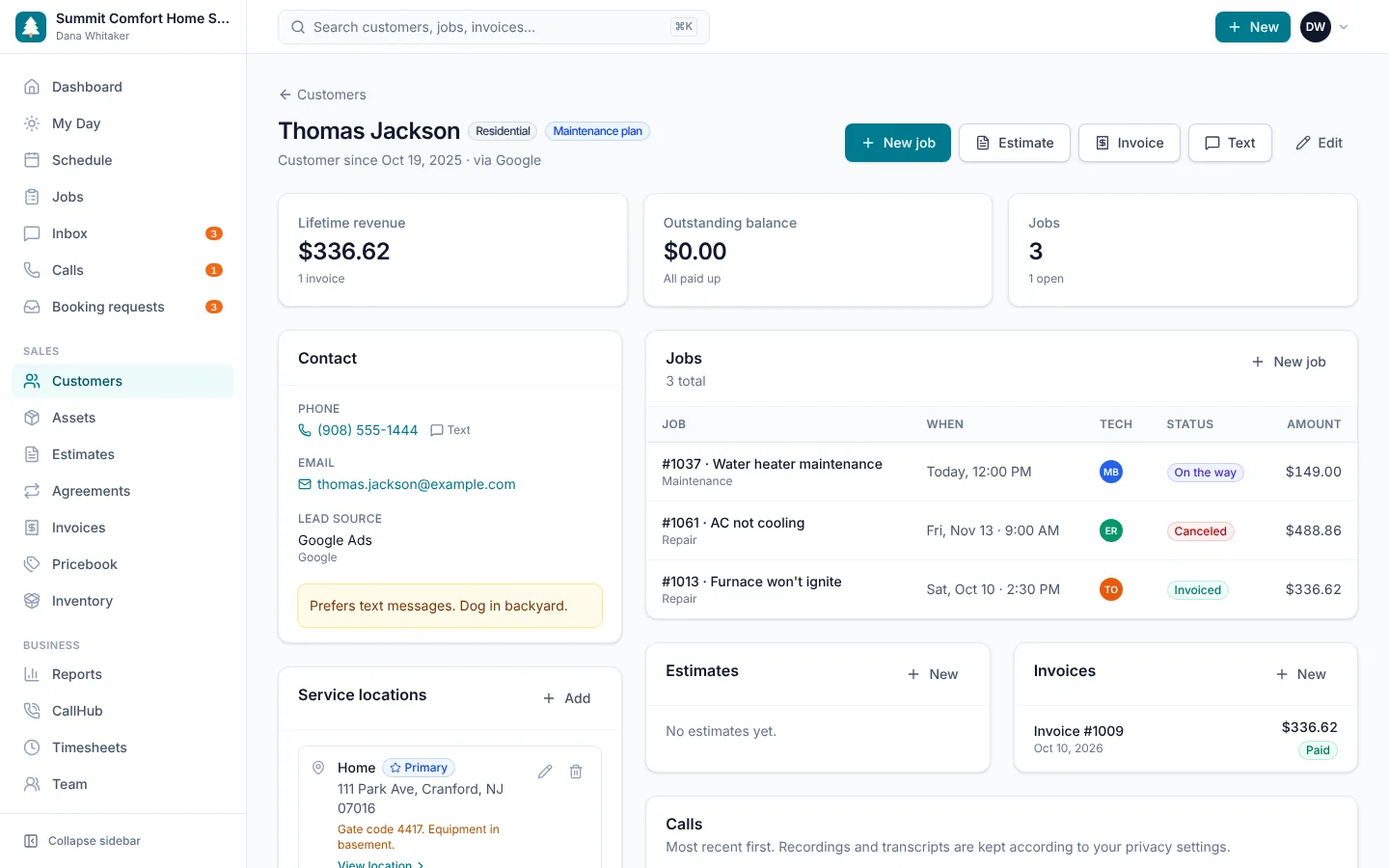
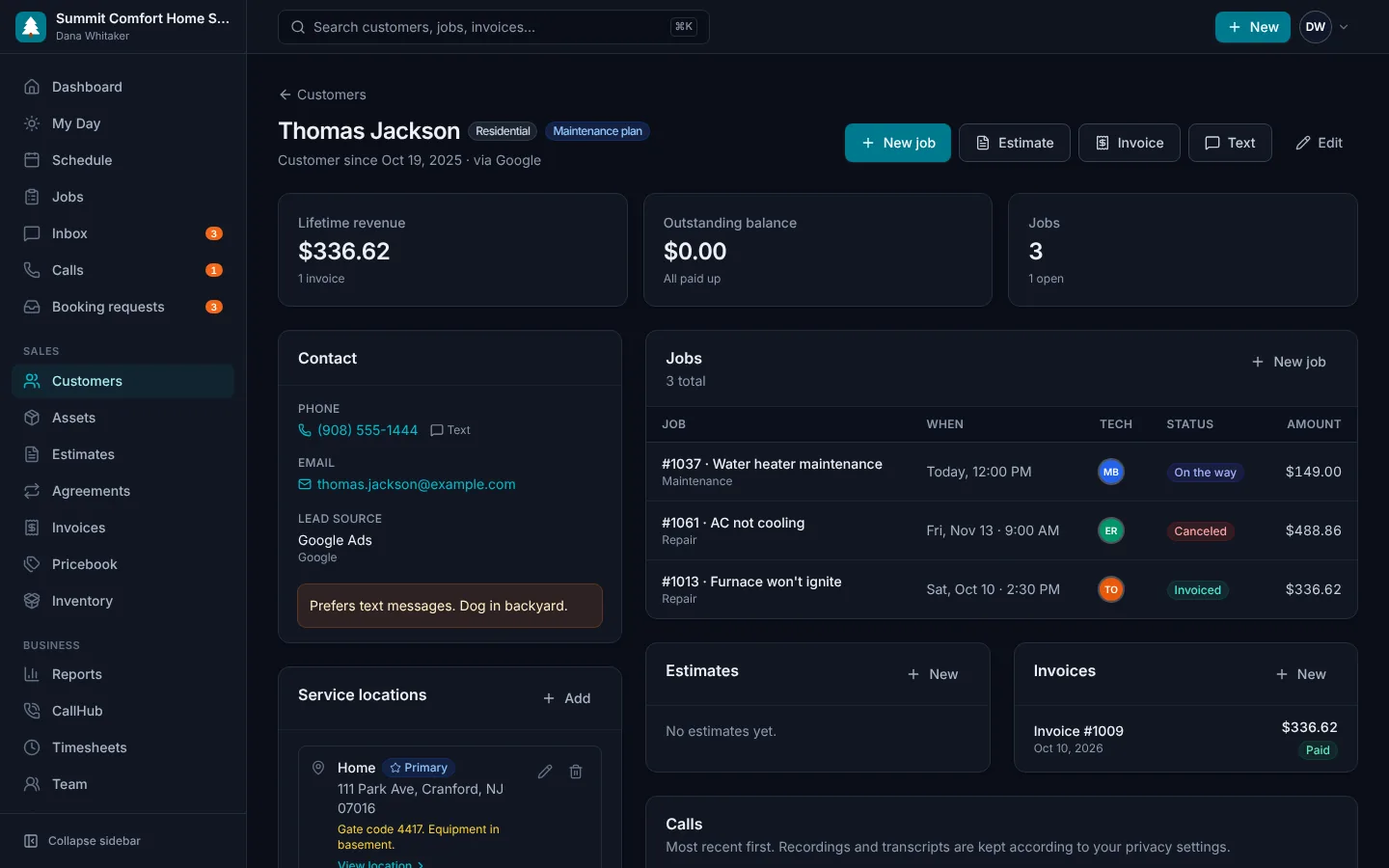
Know who you're talking to before you pick up the phone. Each customer record keeps their properties, equipment notes, past jobs, open estimates, invoices and balance together.
- Residential and commercial customers
- Multiple service locations per customer, each with its own history page
- Gate codes, pets and equipment notes
- Full job, estimate and invoice history
- Tags and lead sources for marketing
Pricebook
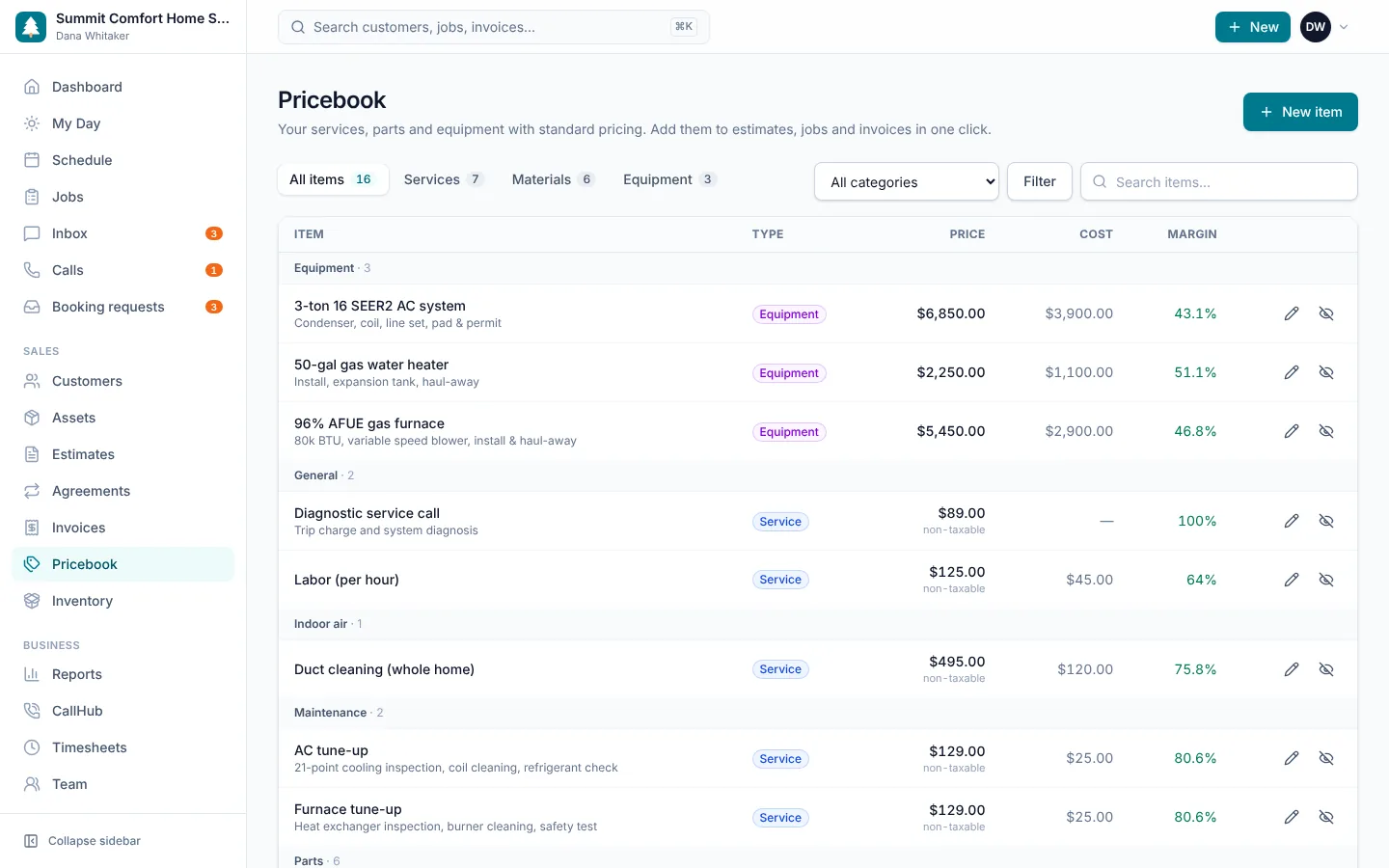
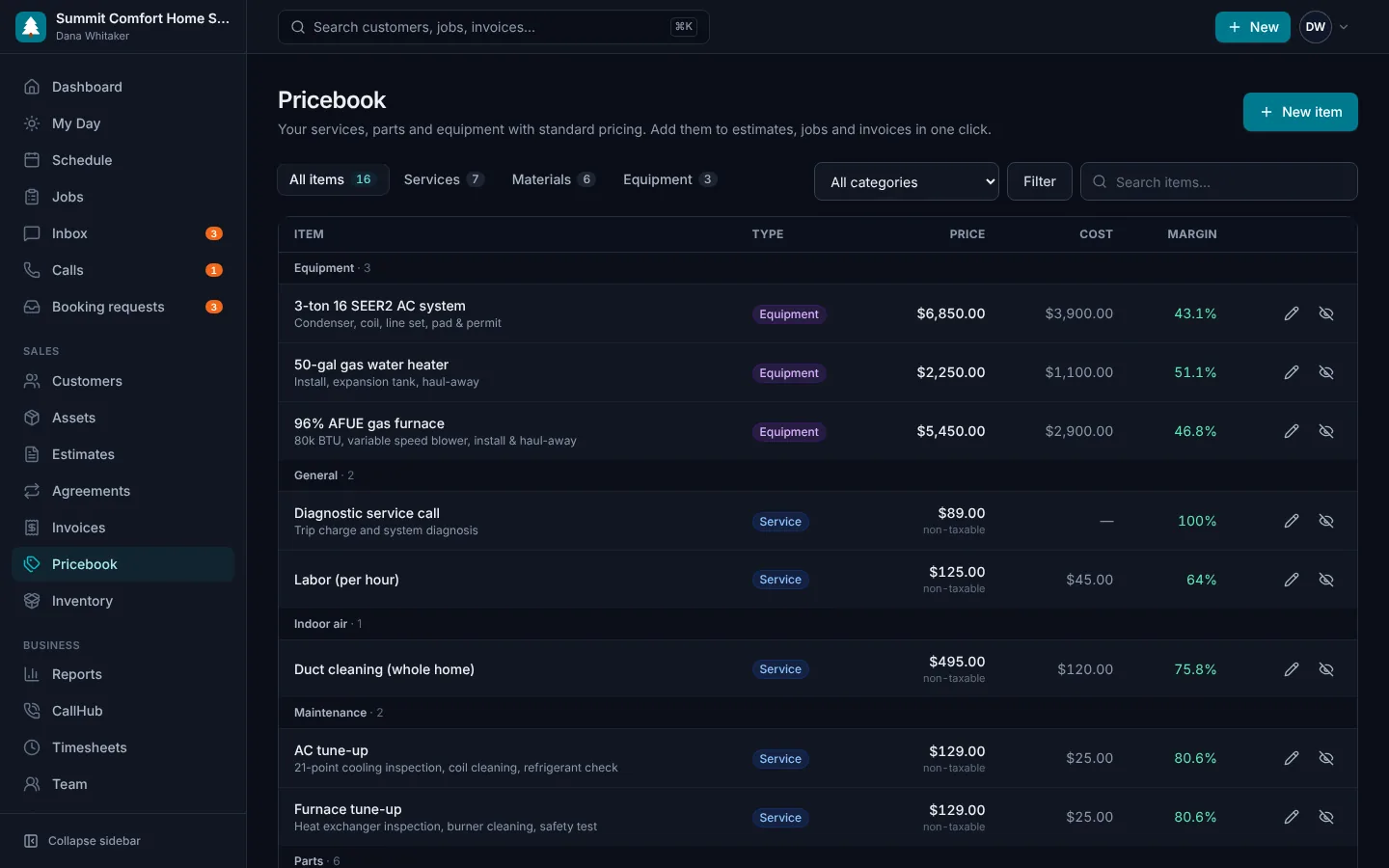
Stop pricing from memory. Keep your services, parts and equipment in one pricebook with your cost and price, so every tech quotes the same way and you know the margin on every line.
- Services, materials and equipment
- Unit price, unit cost and margin
- Categories and SKUs
- Taxable and non-taxable items
- Starter pricebook for your trade on day one
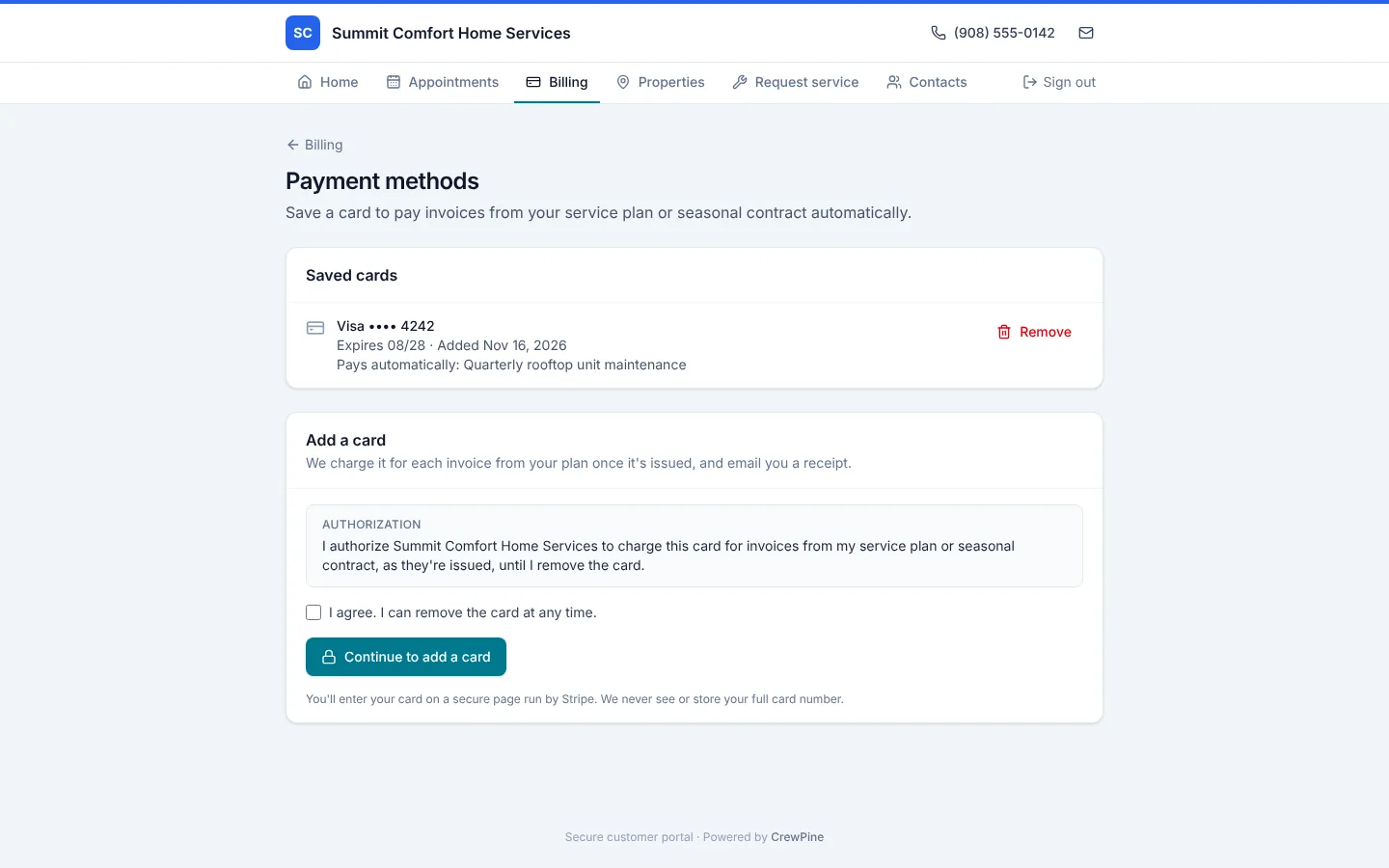
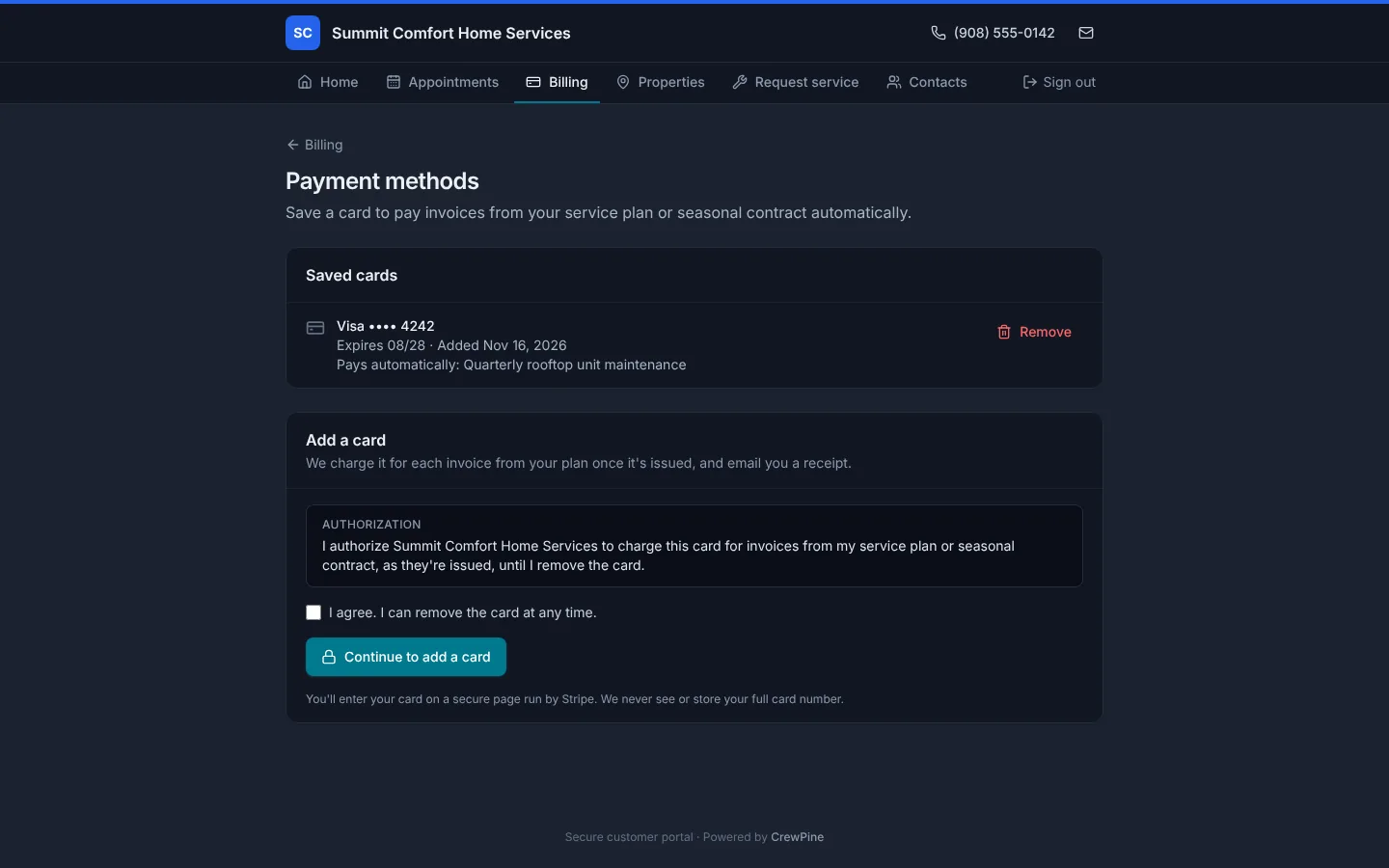
Saved cards & autopay
Clients save a card once, in their portal or from a link you send, and agree to be charged for their plan. Each visit's invoice is then paid automatically once it's sent, straight into your own Stripe account, with a receipt by email. If a card is declined, the client gets a link to pay and you see why.
- Cards saved on your own Stripe account, never typed by your staff
- Autopay for maintenance agreements and seasonal contracts
- Charged only once an invoice is sent, never drafts
- Receipts by email, and a pay link if a card is declined
- Clients manage their cards in the portal
Timesheets
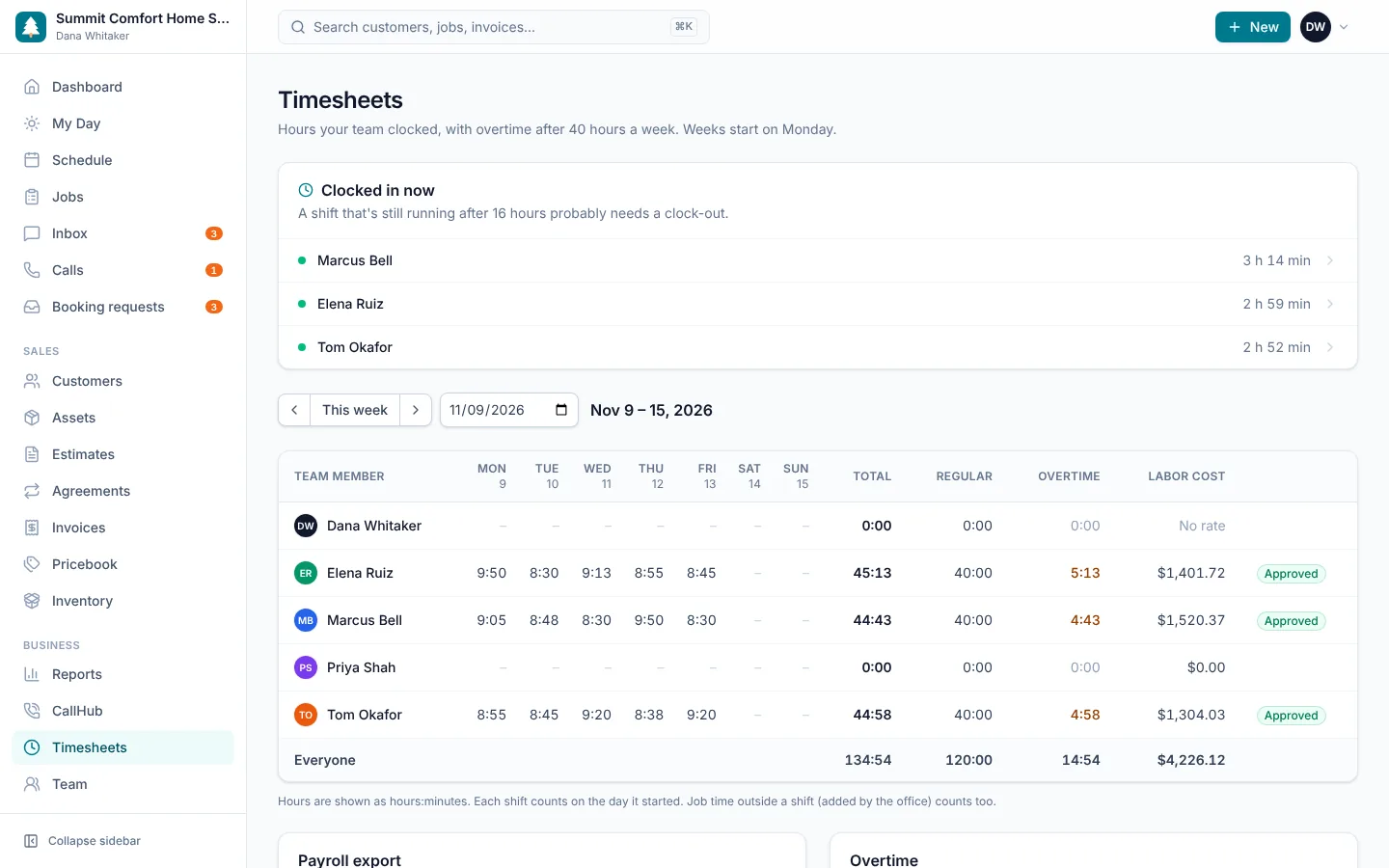
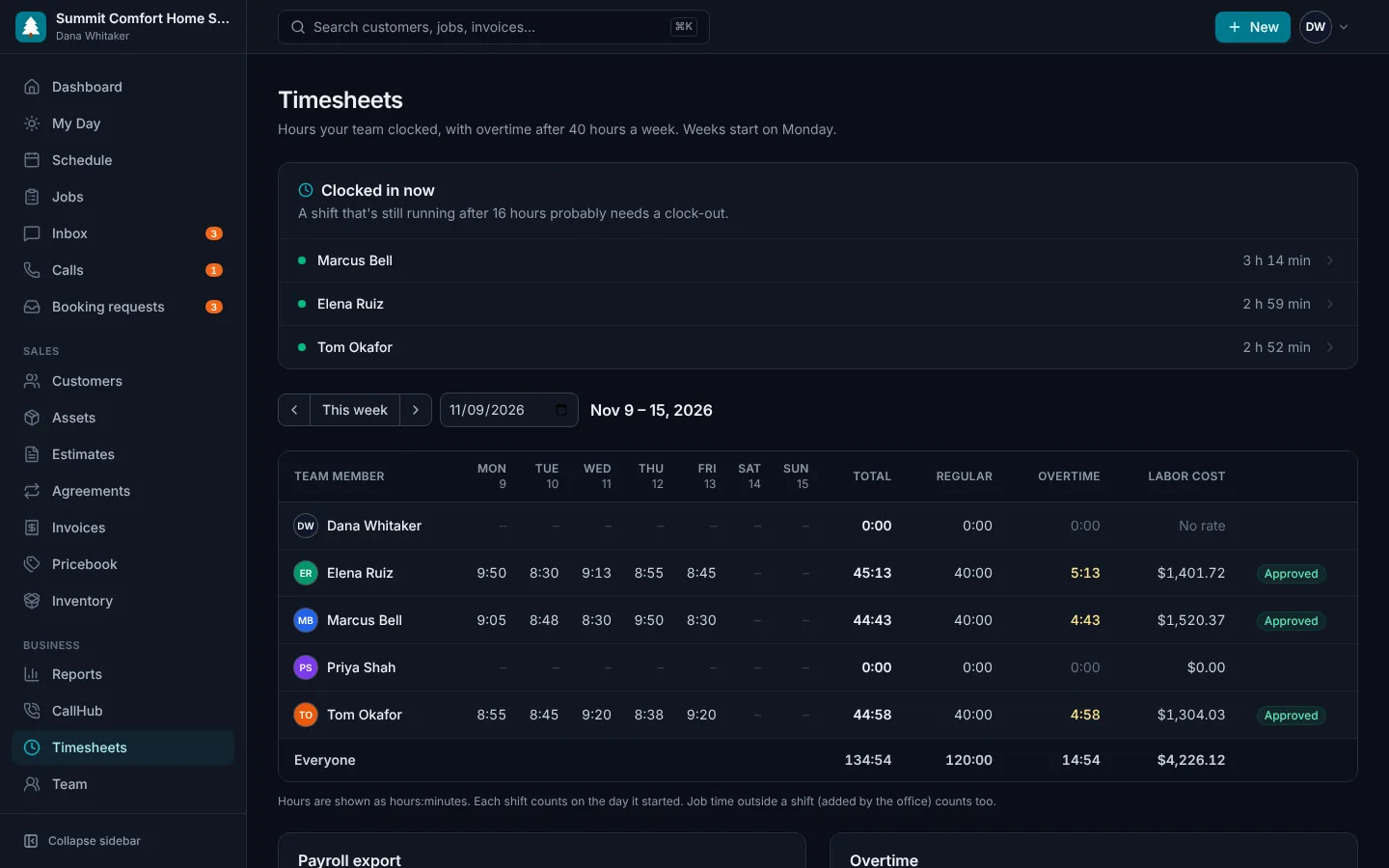
Technicians clock in on their phone, even offline, and time on each job starts and stops with the job. You see each person's week with regular and overtime hours, fix a missing clock-out, approve the week and export it for payroll.
- Clock in and out on My Day, even without signal
- Job time follows the job: start, hold and complete
- Weekly regular and overtime hours, by your province or state's threshold
- Edit, add and approve entries
- Payroll CSV for any pay period
- Labor cost on every job, for owners and admins
Parts & truck stock
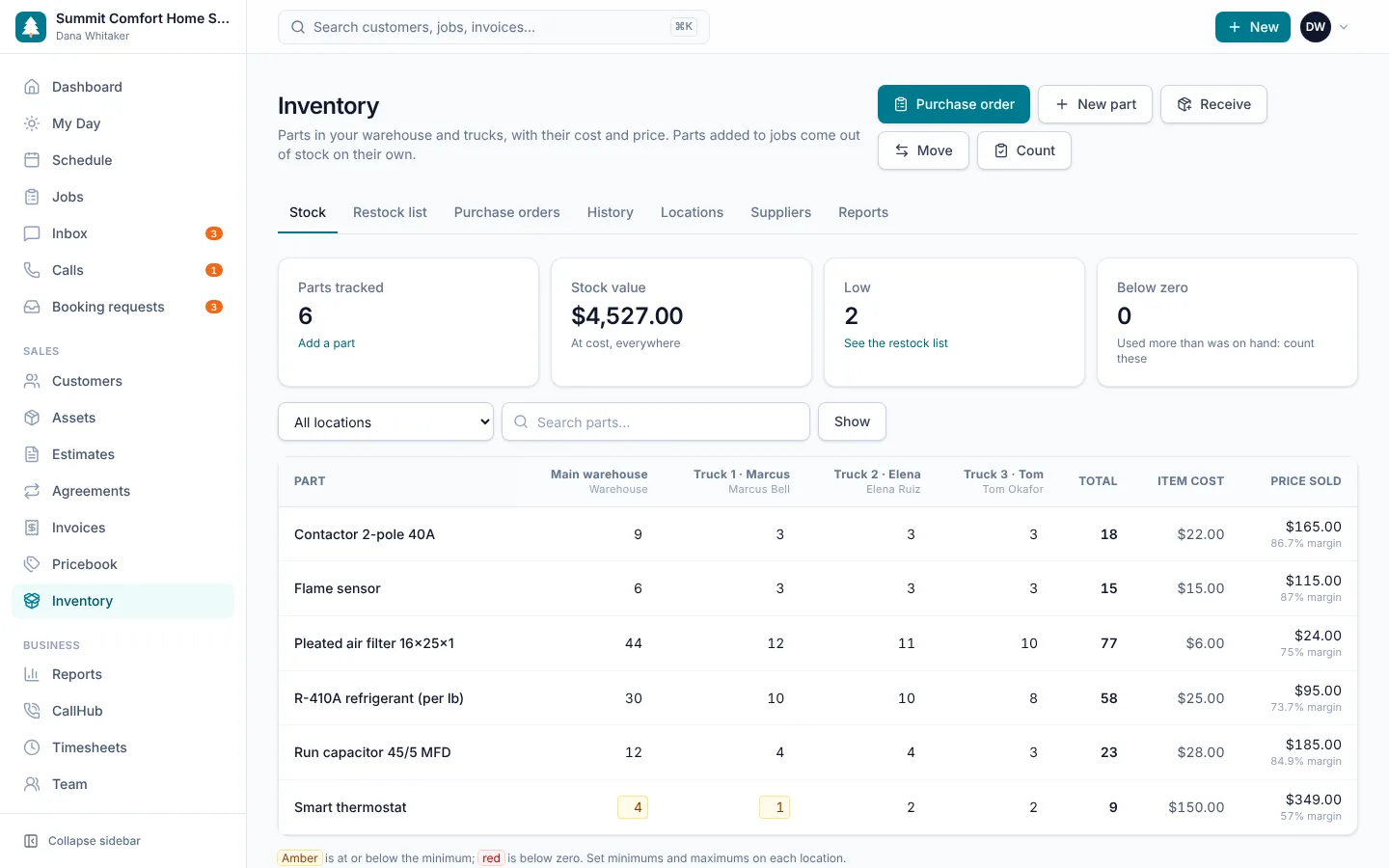
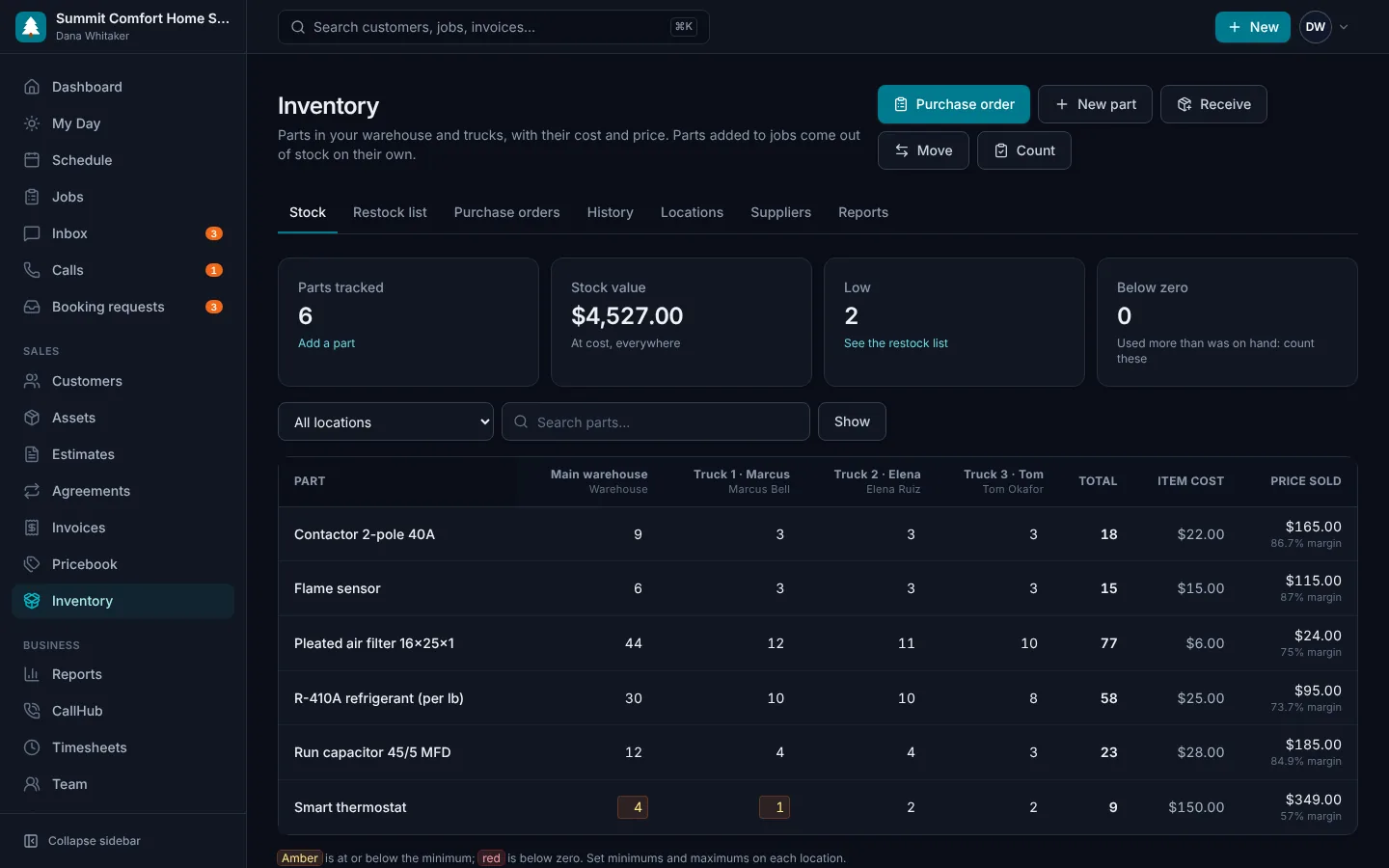
Track parts in your warehouse and on each technician's truck, with what each one costs you and what you sell it for. Parts added to a job come out of the truck automatically. When stock runs low, turn the restock list into a purchase order, email it to your supplier and receive it into stock when it arrives.
- Warehouse and truck stock, with low items flagged
- Item cost, price sold and margin on every part
- Purchase orders emailed to your suppliers
- Receive deliveries into the warehouse or a truck
- Parts used on jobs come out of the right truck
- Stock value and parts usage reports
- My truck view in the technician app
QuickBooks Online sync
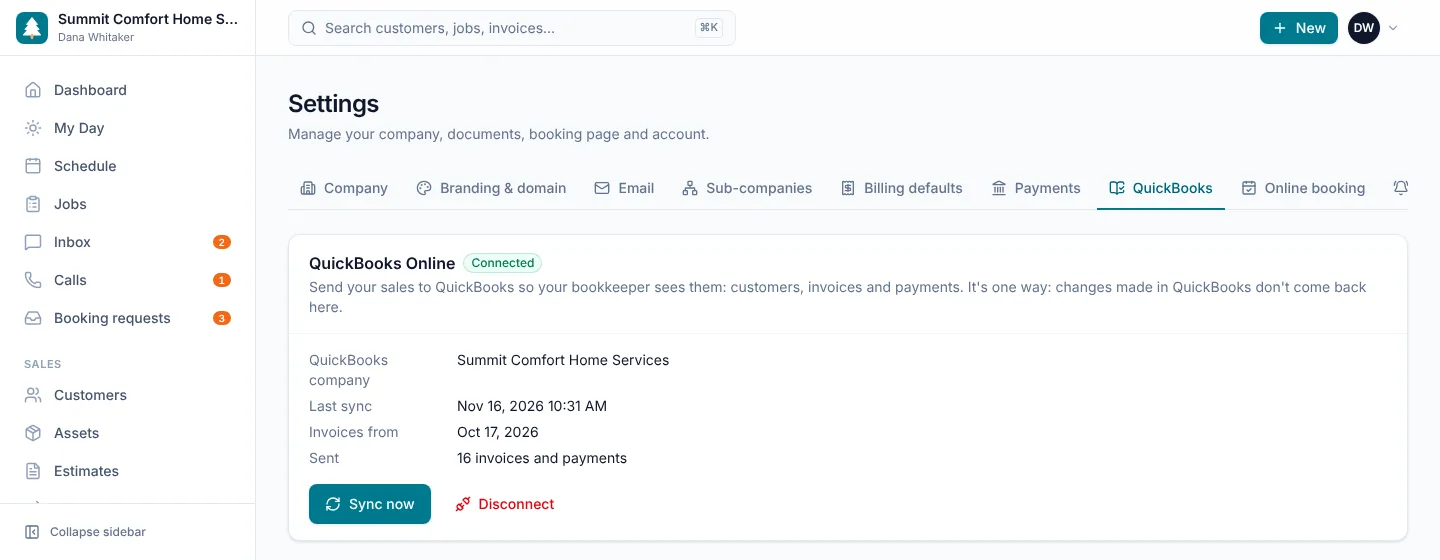
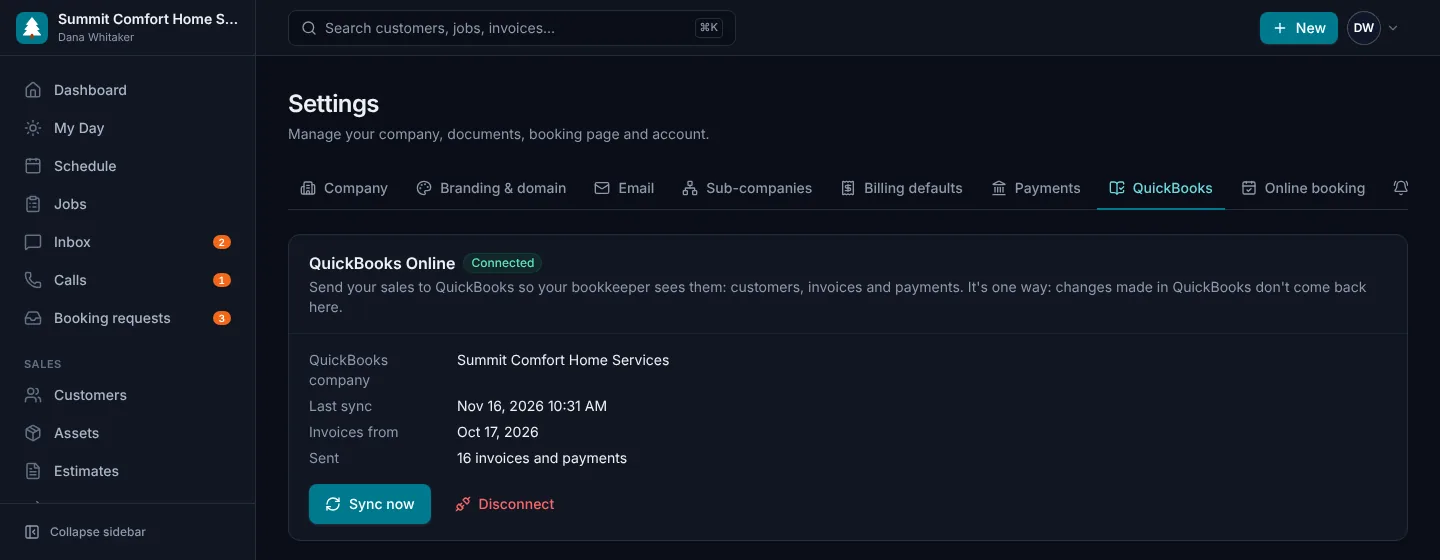
Connect your QuickBooks Online company and your bookkeeper sees every invoice and payment without retyping. Changes are sent again, voided invoices are voided there too, and you see anything that couldn't be sent.
- Customers, invoices and payments sent automatically
- Updates and voids kept in step
- Your income account, deposit account and tax codes
- Works for US and Canadian QuickBooks companies
- Sync now and retry from one page
Review requests
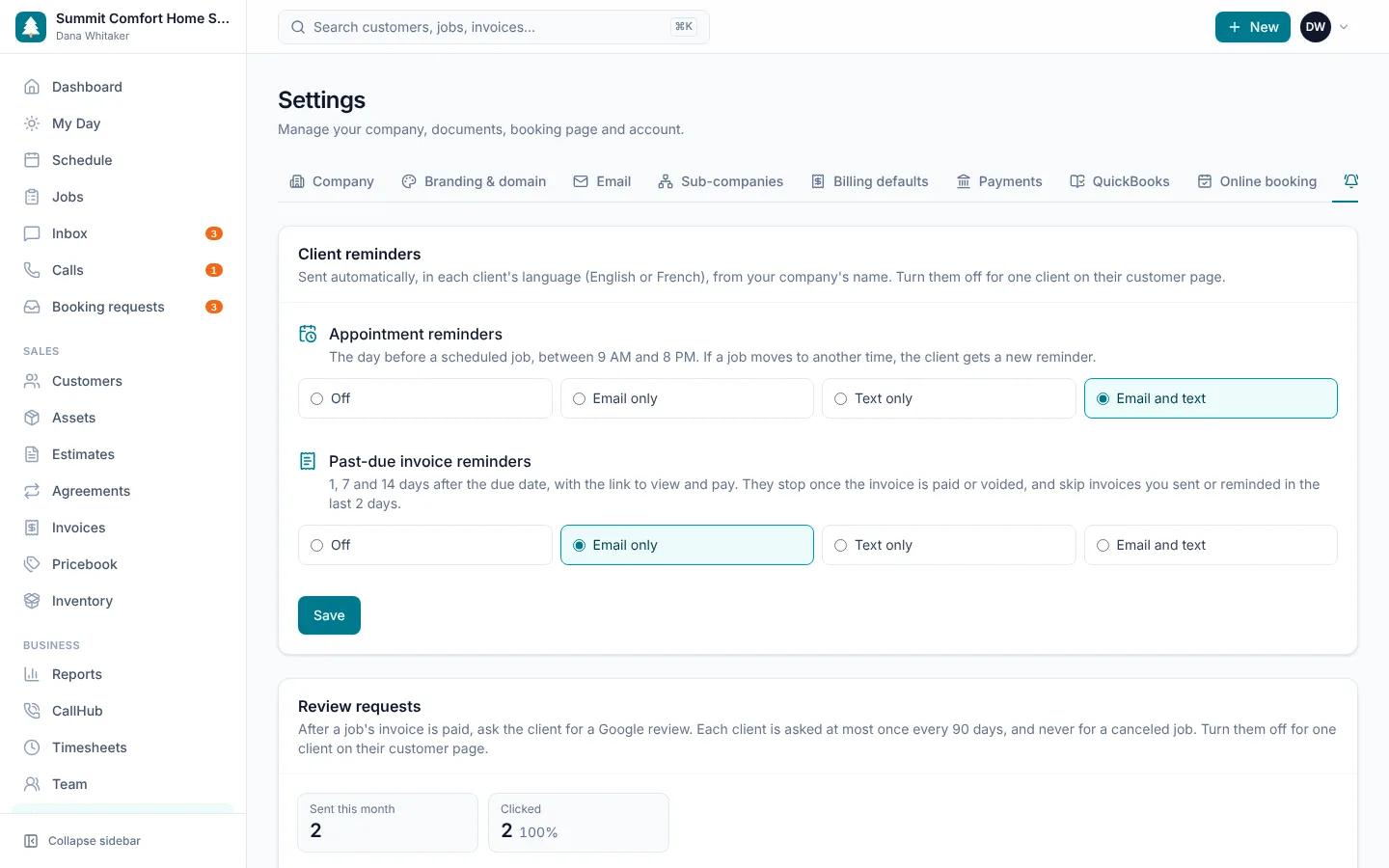
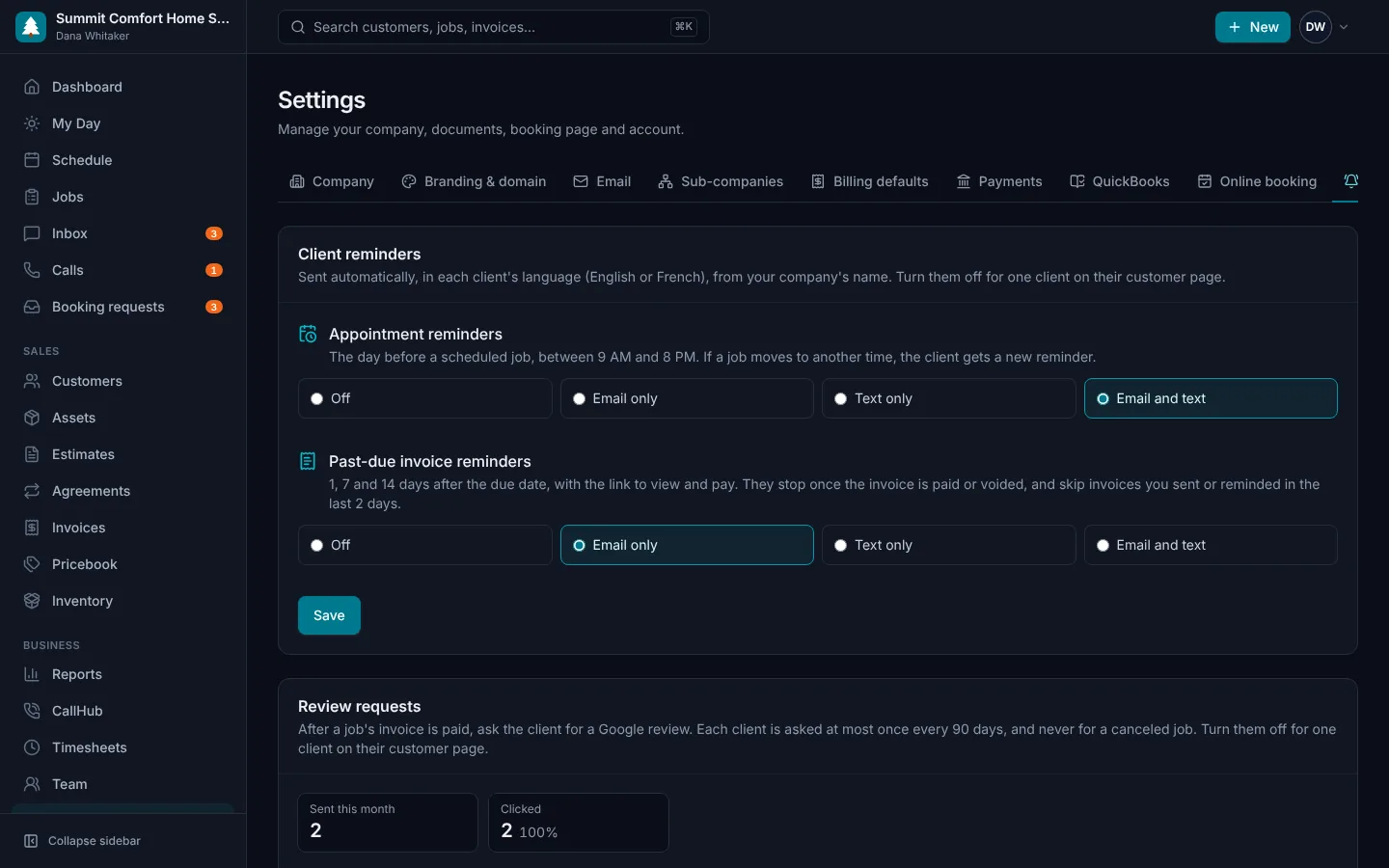
When a job's invoice is paid, your client gets a friendly text or email with a link to your Google reviews, after a delay you choose. Each client is asked at most once every 90 days, and you see who clicked.
- Sent automatically after the job is paid
- Text, email or both, in English or French
- Your wording and your delay
- A Google review link per sub-company
- See who clicked through to leave a review
Reports & insights
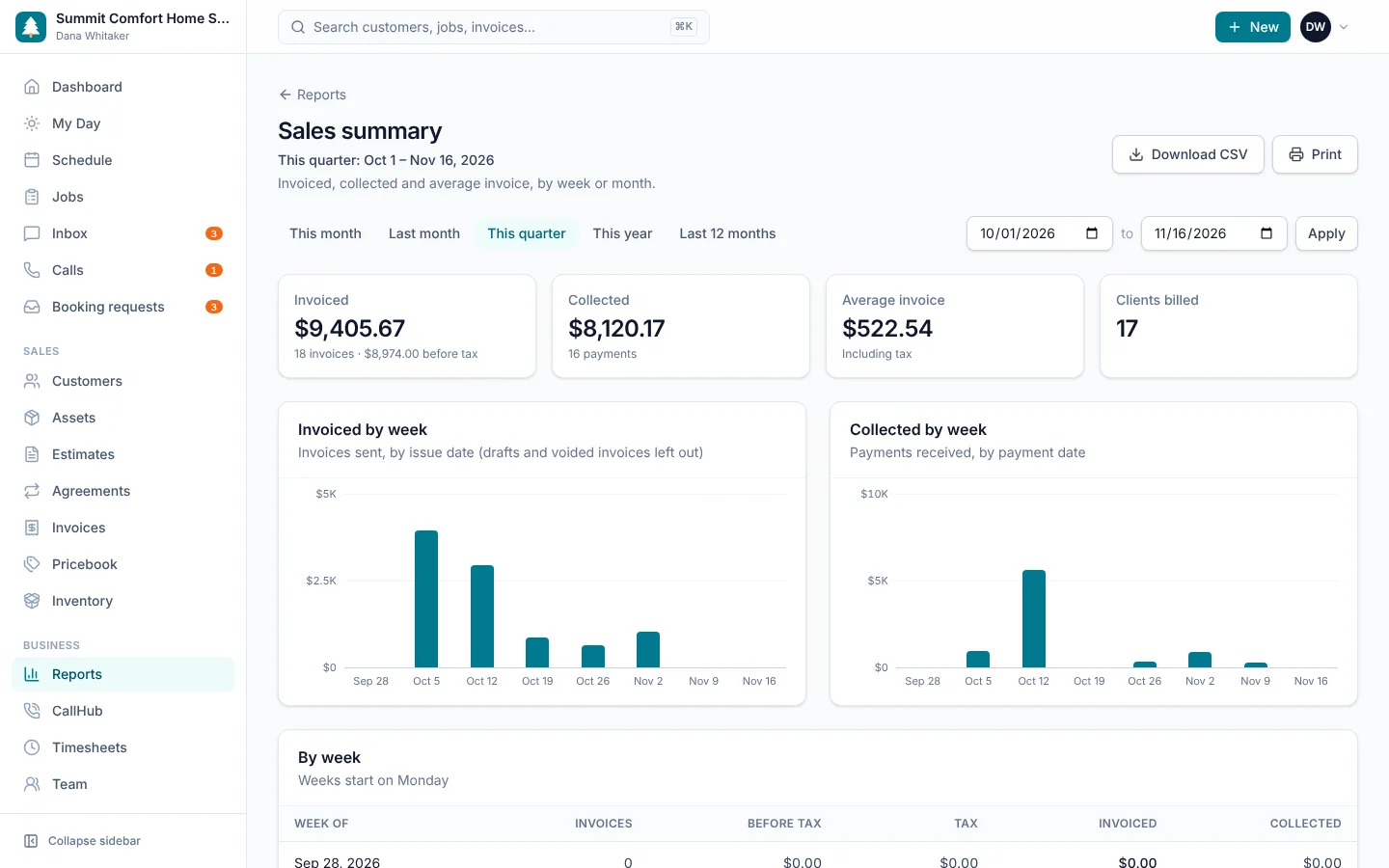
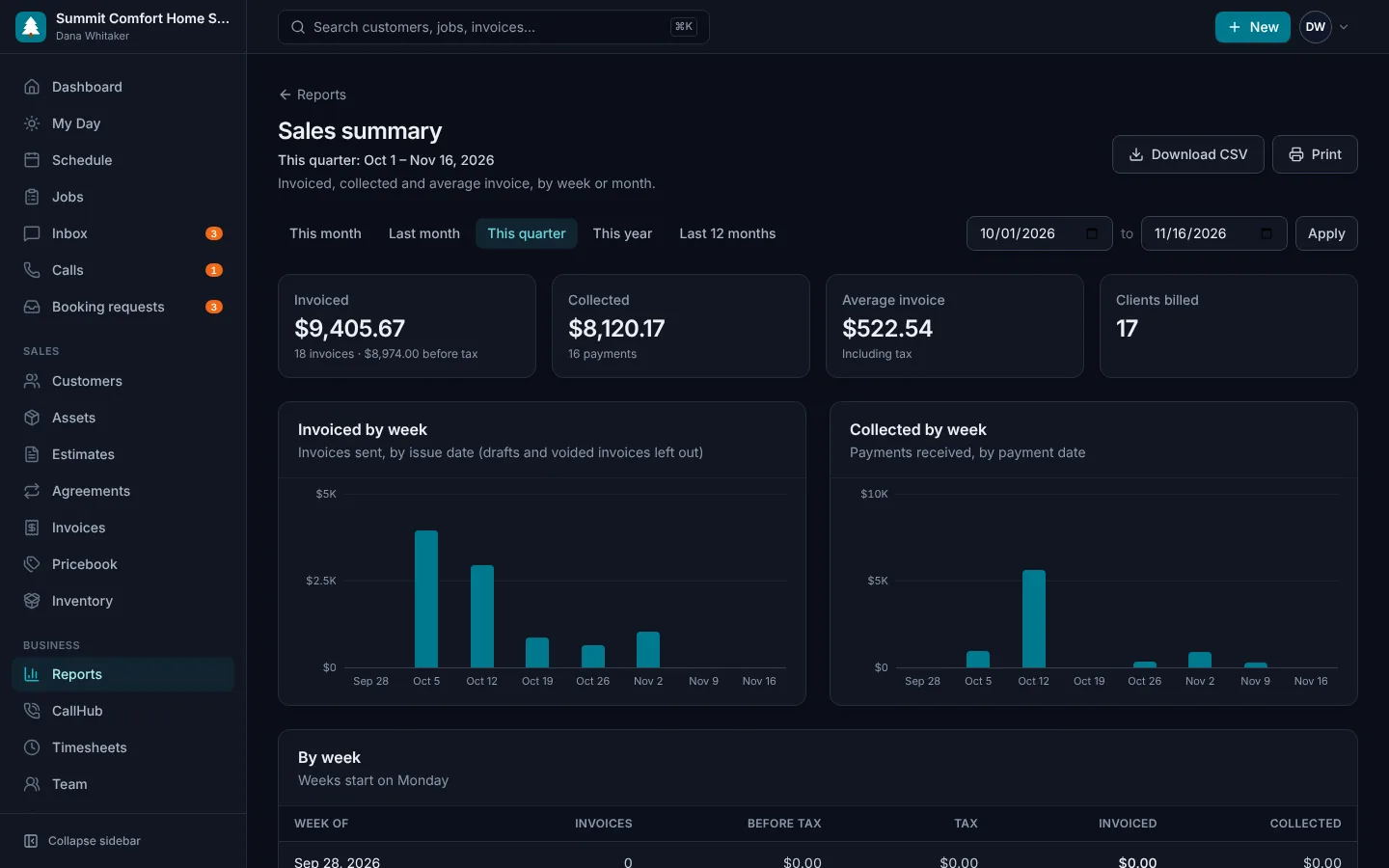
A dashboard that answers the questions owners actually ask: How much did we bring in? Who owes us? Which jobs and techs are most profitable? Where are new customers coming from?
- Sales, payments and sales tax, with CSV export
- Accounts receivable aging and unpaid invoices
- Job costing: materials and labor against revenue
- Technician performance and callbacks
- Revenue by service, technician, lead source and company
- Estimate close rates, customers to win back and review requests
Also included
The details that make it all work
Email & text notifications
Send estimates, invoices and on-my-way messages automatically.
Roles & permissions
Owners, admins, dispatchers and technicians each see what they need.
Activity history
Every status change, payment and approval is logged on the record.
Multiple service locations
Customers can have several properties, each with its own notes.
Print-ready documents
Clean, branded estimates and invoices that print perfectly.
Secure by default
Encrypted connections, hashed passwords and private customer links.
Canada and US
CAD or USD billing, Canadian sales taxes, CASL and US texting rules.
Light and dark
Easy on the eyes in the office and in the truck at night.
Search everything
Press ⌘K to find any customer, job, invoice or unit in a second.
Spend less time on paperwork and more time on the jobs that pay.
Try every feature free for 14 days. No credit card, no setup fees, cancel anytime.