Technician app
Everything the crew needs, nothing they don't
Technicians see their day in order, get to the next stop, do the work and wrap it up from the phone in their pocket.
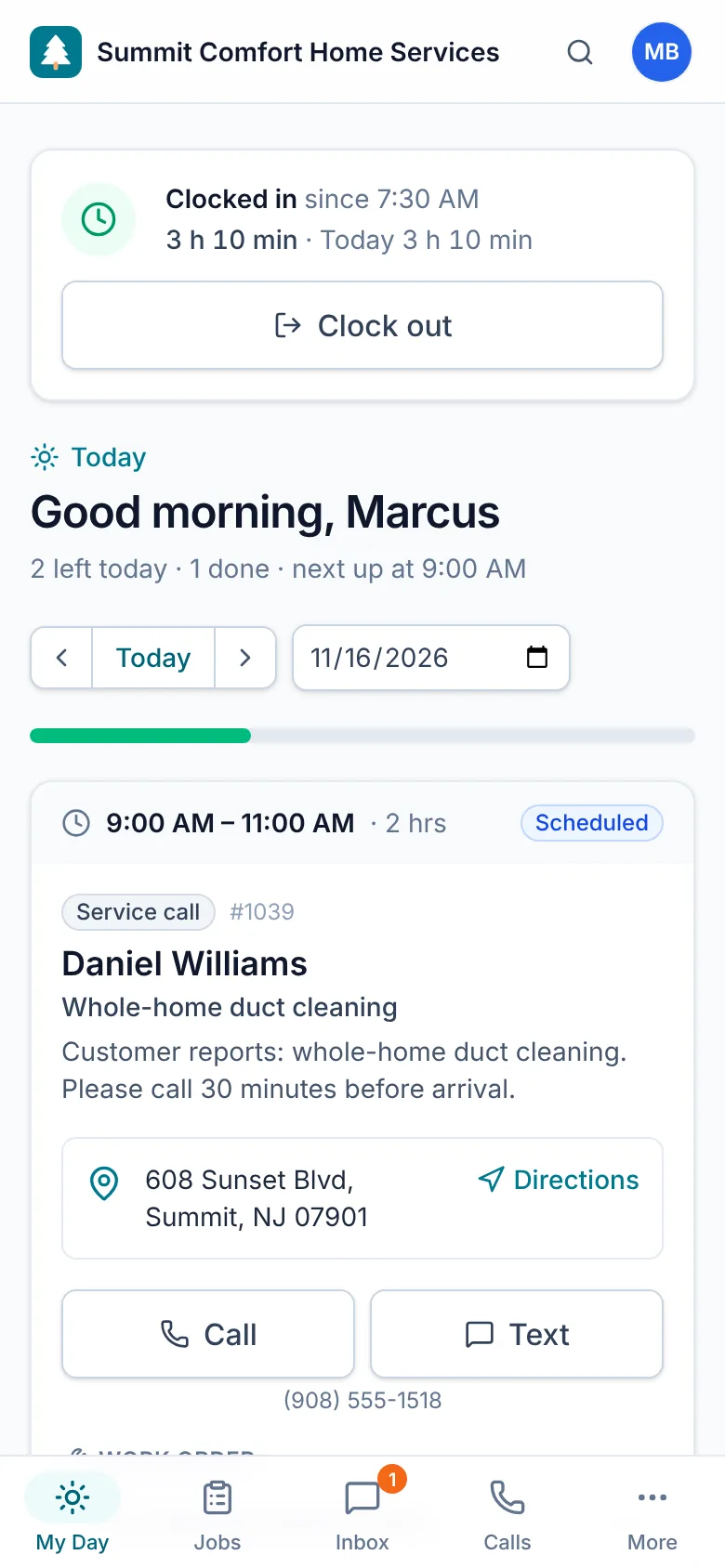
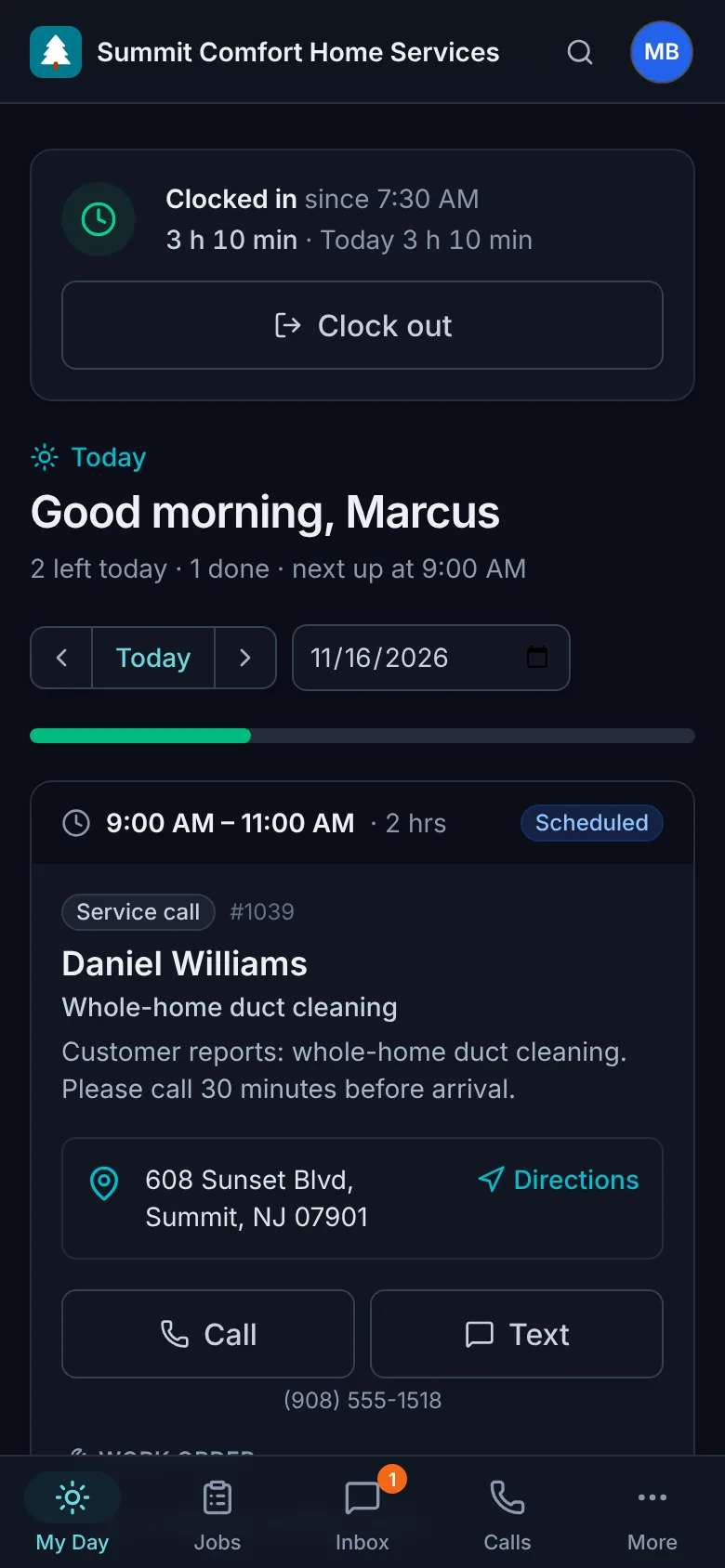
My day
The day in order, with one next step
Today's stops with times, addresses and access notes. One tap for directions, one tap to call or text the customer.
- Today and tomorrow at a glance
- On-my-way texts to the customer
- Start and finish with notes
- Finished jobs drop off the list
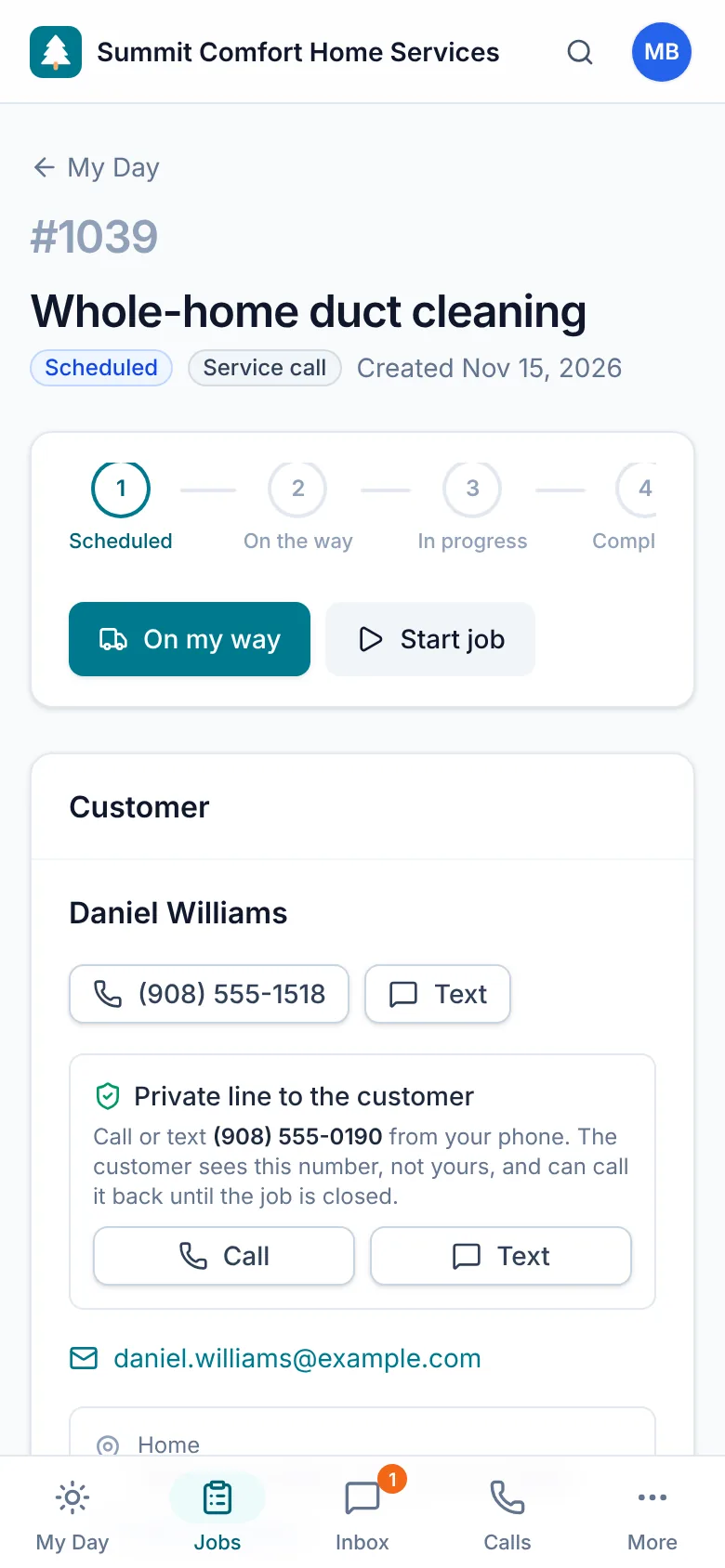
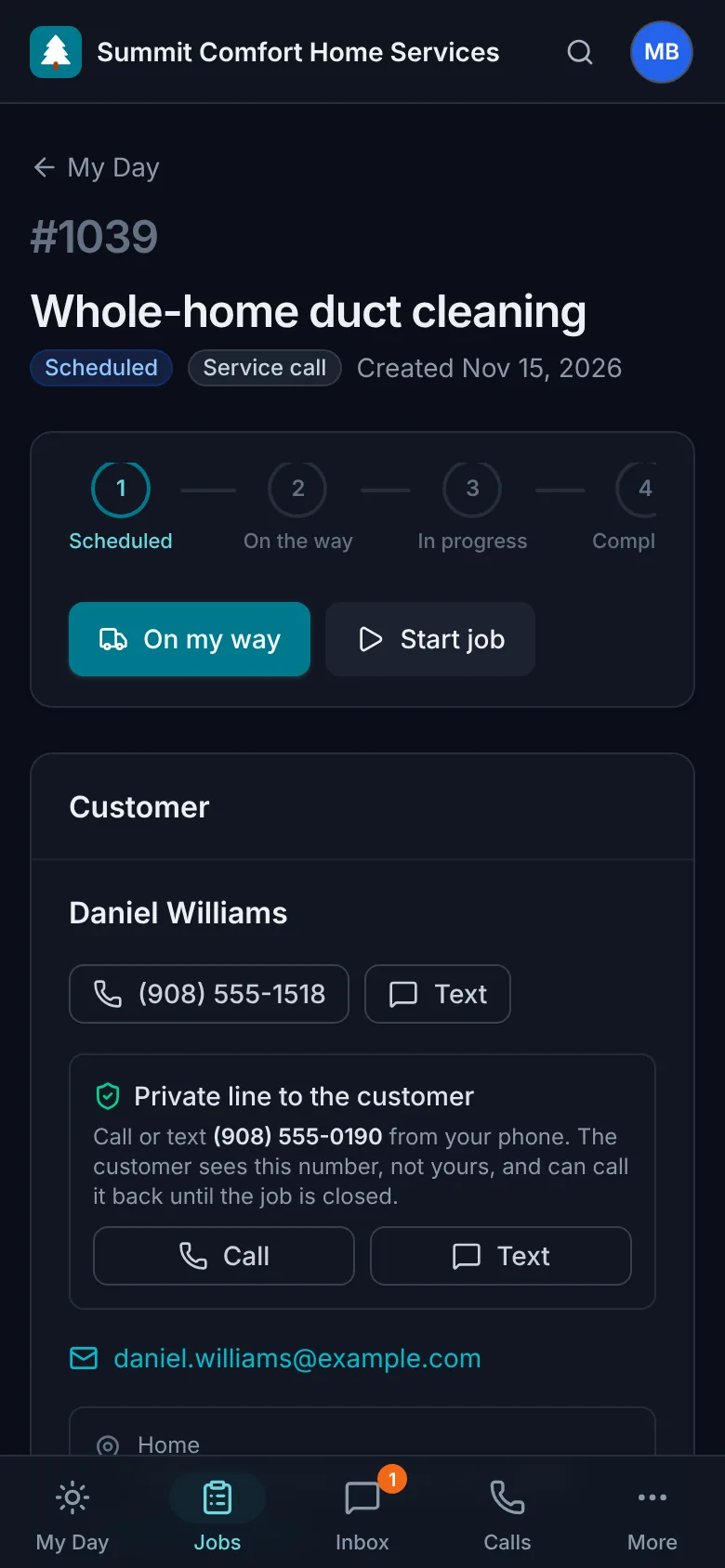
On site
Equipment, history and problems at the address
See the units at the location and anything still open from earlier visits. Report new problems with photos and a recommended fix.
- Before, during and after photos
- Deficiencies with severity
- Data-plate photos for new equipment
Wrap up
Checklists, sign-off and payment before you leave
Tick off every step, have the customer sign on your phone, create the invoice from the job and get paid on the spot.
- Checklists added automatically by job type
- Customer signature with their name and the time
- Payment by QR code, texted link, cash or cheque
Time and parts
Clock in, track time and know what's on the truck
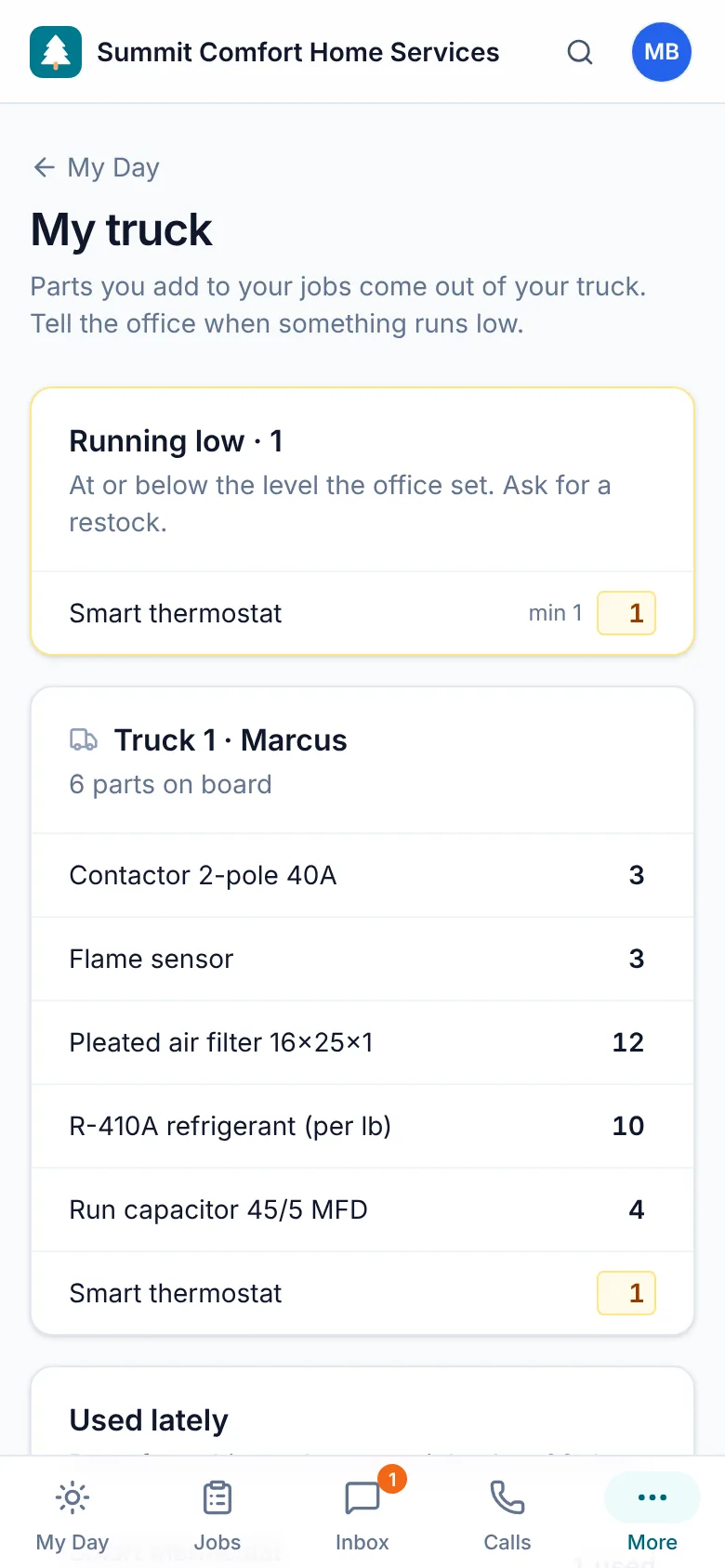
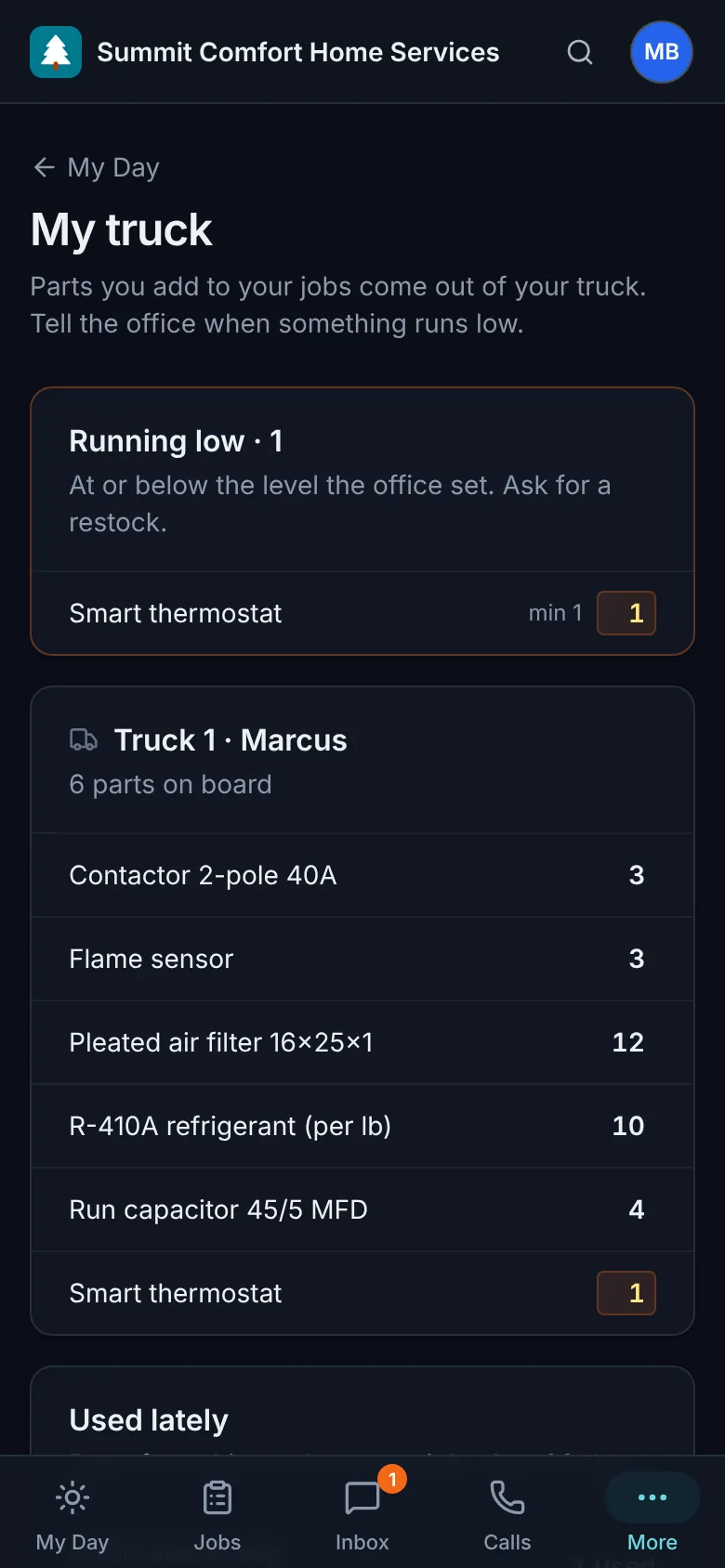
Clock in from My Day, and time on each job starts and stops with the job. Parts added to a job come out of the truck, and the truck view shows what's running low.
- Clock in and out, even offline
- Hours per job for payroll
- My truck: parts on board and low items
Works anywhere
Offline use and notifications
Keep working in basements and dead zones and sync when you're back in range, and get a notification when a job is assigned, moved or canceled.
- Today's and tomorrow's jobs saved on the phone
- Changes and photos sync automatically, once
- Push notifications for new, moved and canceled jobs
Why it matters
What changes for your team
Their own phone
No special devices to buy or manage.
Fast
Big buttons and short screens built for gloves and sunlight.
Only their jobs
Technicians see what they need and nothing more.
Light on battery
No background tracking draining the phone all day.
FAQ
Questions, answered
Which phones does it work on?
Any recent iPhone or Android phone. Technicians sign in with their own account and see only the jobs assigned to them.
Do technicians need to download it from an app store?
No. On iPhone they open the app in Safari and choose Share, then Add to Home Screen; on Android, Chrome offers to install it. It then opens full screen from its own icon.
What happens without a signal?
Today's and tomorrow's jobs are saved on the phone. Without a signal, the app opens your saved jobs: you can still mark jobs on the way, started and completed, tick checklists, add notes and take photos. Everything syncs once the connection comes back.
Can technicians see prices or other jobs?
Technicians only see their own jobs and the equipment at those locations. Owners decide who manages customers, estimates and invoices.
Spend less time on paperwork and more time on the jobs that pay.
Try every feature free for 14 days. No credit card, no setup fees, cancel anytime.